How to disconnect Google Sheets to Linear
Here is how to disconnect google sheets to linear
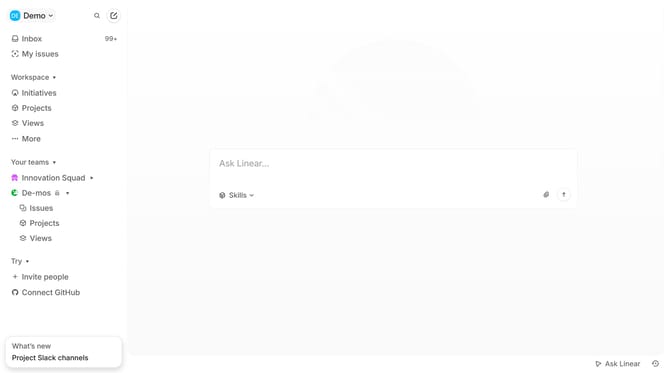
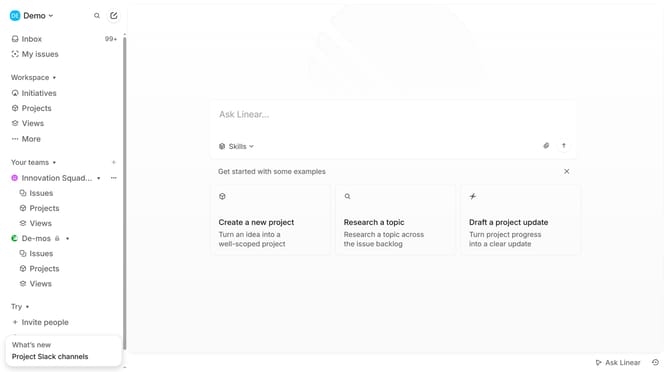
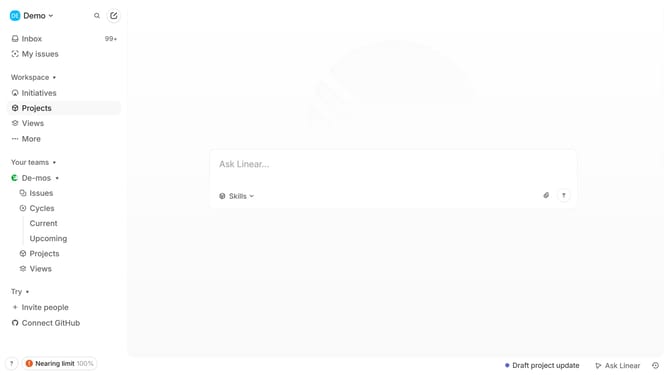
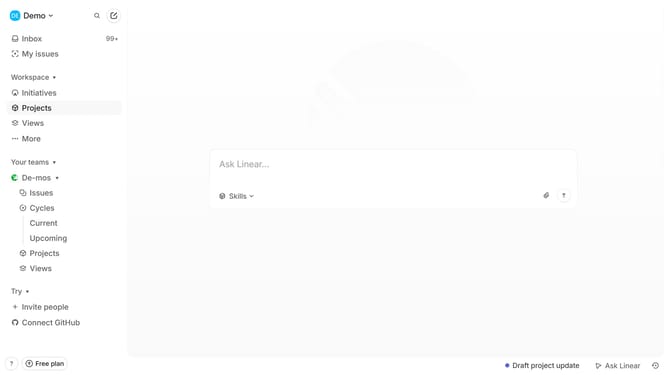
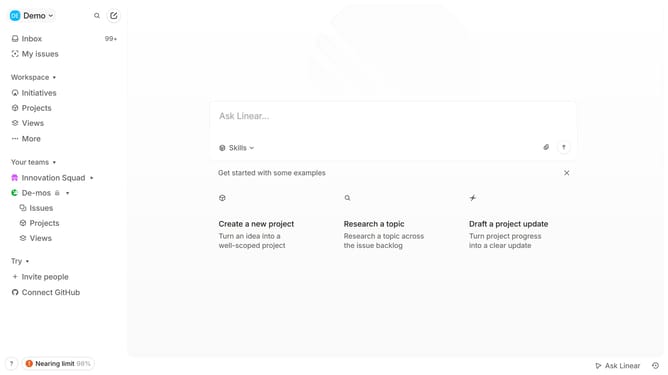
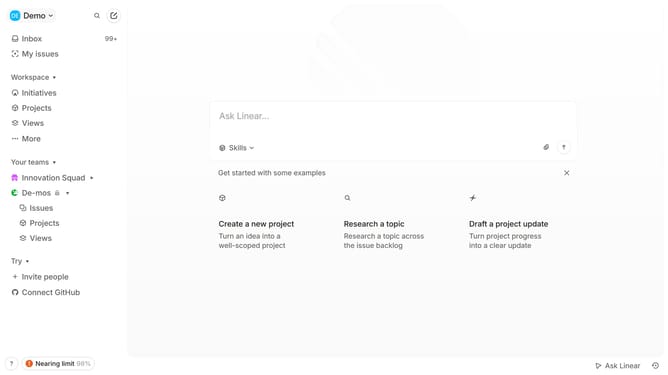
- First click on "Demo" in the header
- Then click on "Settings" in the sidebar
- Then select "Integrations" in the sidebar
- Then click on "Google Sheets" in the integrations list
- Then click on the "Disable" button
- Finally click on the "Disconnect" button
Why should you disconnect Google Sheets to Linear
Linear is an intuitive project management tool designed to streamline workflow tracking and enhance productivity.
Disconnecting Google Sheets from Linear can simplify your data management by reducing unnecessary integrations. This feature helps keep your workflow clean and focused, minimizing potential data conflicts between platforms.
By managing these connections efficiently, you maintain control over where your data is processed and stored. It offers peace of mind and ensures that your workflow remains clutter-free and efficient.
Last update