How to disable Linear app notifications for billing in Linear
Here is how to disable linear app notifications for billing in linear
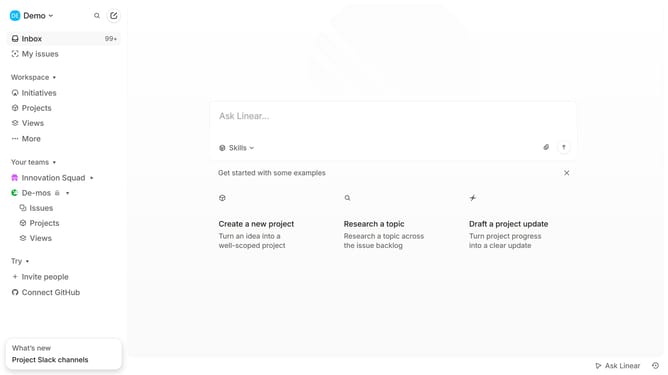
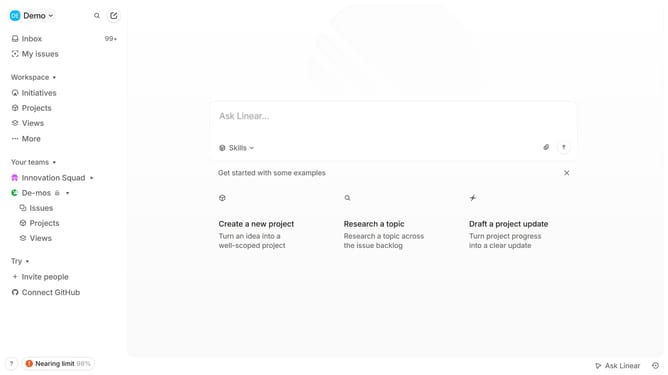
- First click on the "Demo" dropdown in the header
- Then click on "Settings" in the appeared menu
- Next, click on "Notifications" in the left sidebar
- Then click on "Mobile" under the "Notification channels" section
- Finally, click on the toggle switch next to "Billing" to disable it
Why should you disable Linear app notifications for billing in Linear
Linear is an innovative project management tool designed to streamline workflows and boost team productivity.
Disabling billing notifications in Linear allows you to focus on what truly matters—your projects, rather than being distracted by financial updates.
This feature ensures that your inbox remains uncluttered, enabling you to maintain a seamless and efficient work environment.
Leveraging this control can lead to heightened concentration and effectiveness, contributing positively to your team's overall output.
Last update