How to enable email notifications for document changes in Linear
Here is how to enable email notifications for document changes in linear
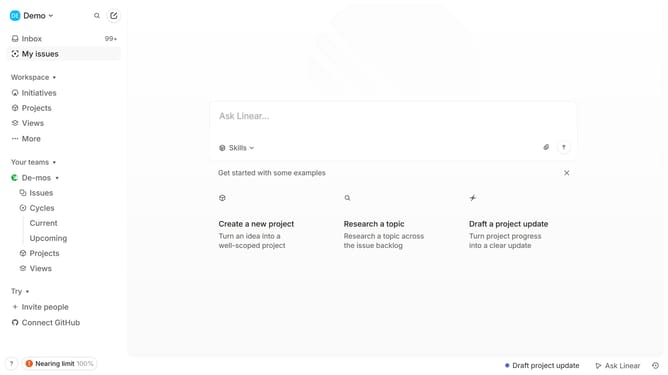
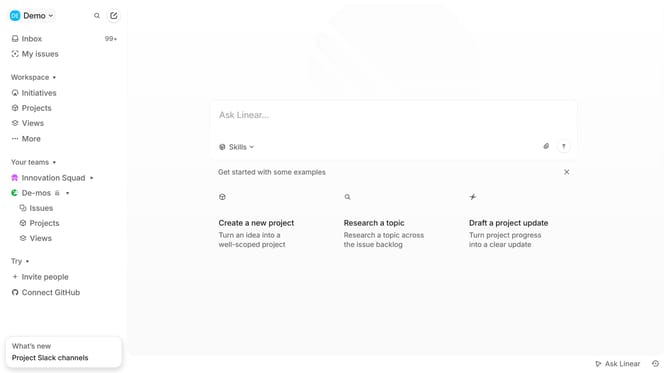
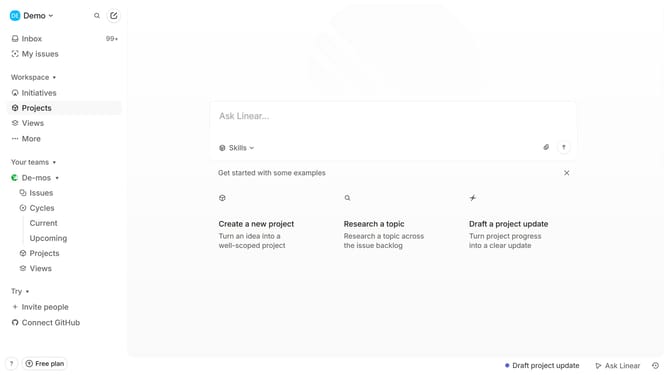
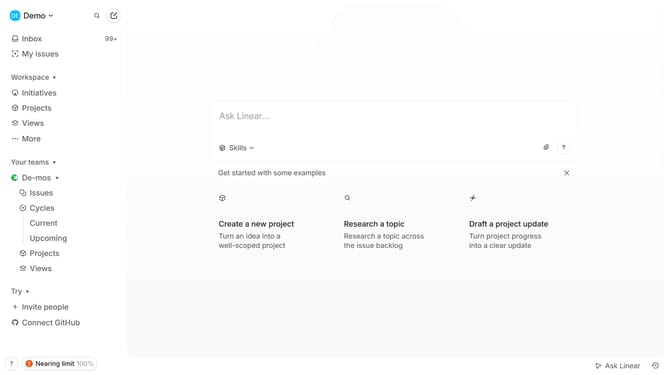
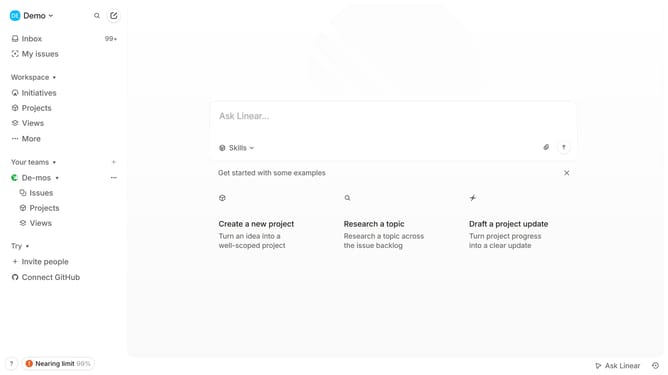
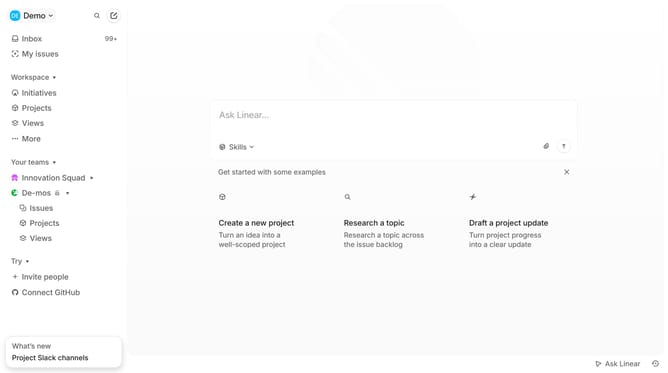
- First click on the "Demo" dropdown in the header
- Then click on "Settings" in the opened dropdown menu
- Next, select "Notifications" from the sidebar menu
- Now, click on the "Email" option under Notification channels in the main panel
- Finally, toggle the switch for "Document changes" to enable it
Why should you enable email notifications for document changes in Linear
Linear is an intuitive project management tool designed to streamline workflows and enhance team collaboration.
By enabling email notifications for document changes in Linear, users can stay informed about updates in real-time, ensuring no important information is missed.
This feature enhances communication within teams, allowing members to quickly adapt to changes and maintain project momentum.
Staying updated without needing to constantly check the app reduces stress and boosts efficiency, allowing users to focus on core tasks.
Last update