How to disable mobile app notifications on document changes on Linear
Here is how to disable mobile app notifications on document changes on linear
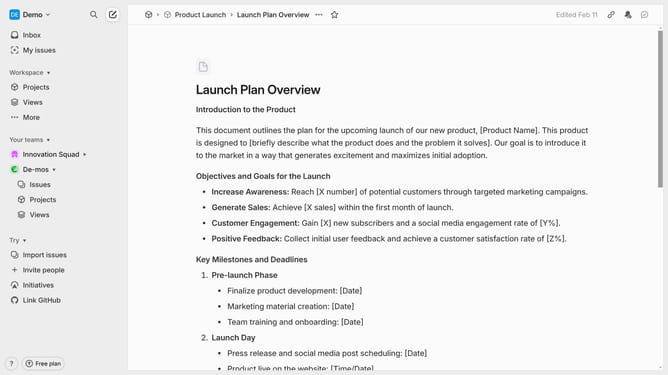
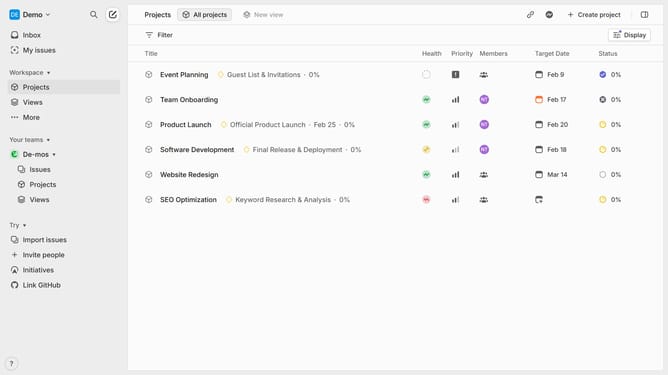
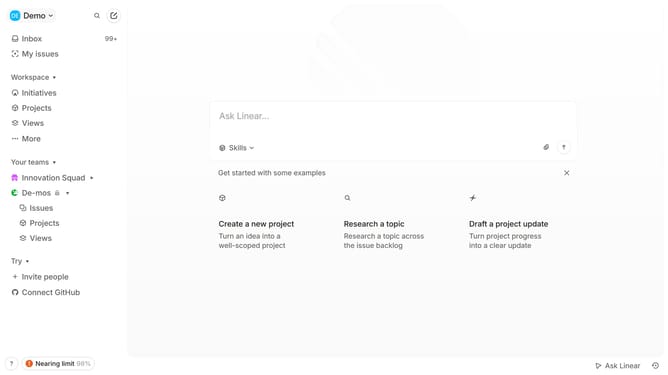
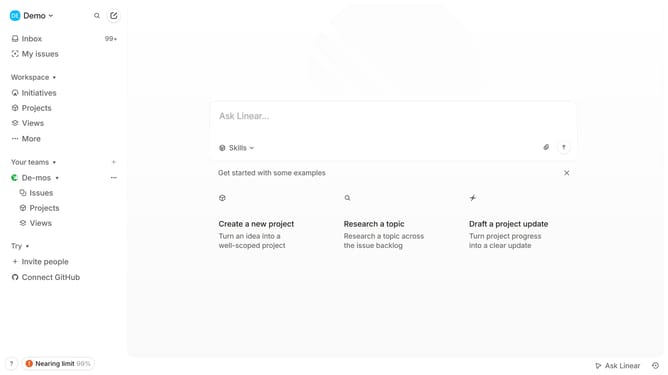
- First click on the "Demo" dropdown in the header
- Then click on the "Settings" option in the sidebar
- Next click on the "Notifications" option in the sidebar
- Then click on the "Mobile" option in the main section
- Finally click on the toggle OFF switch for "Document changes"
Why should you disable mobile app notifications on document changes on Linear
Linear is a streamlined project management tool designed to enhance productivity and workflow efficiency.
One useful feature in Linear is the ability to disable mobile app notifications on document changes. This helps prevent unnecessary distractions during focused work sessions or important meetings.
By managing your notification settings, you can prioritize important alerts and maintain control over your attention. This ensures better concentration and boosts your overall productivity, aligning with the core purpose of Linear.
Last update