How to archive projects on Linear
Here is how to archive projects on linear
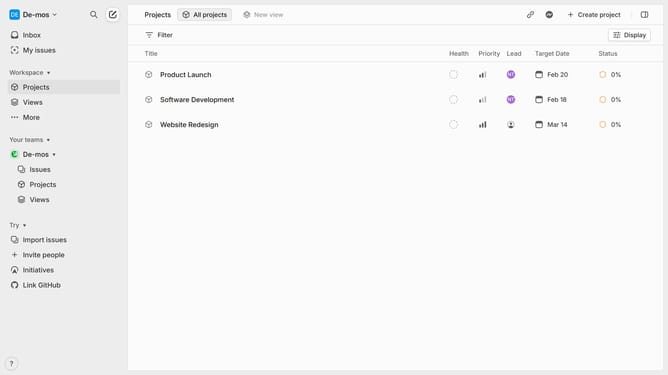
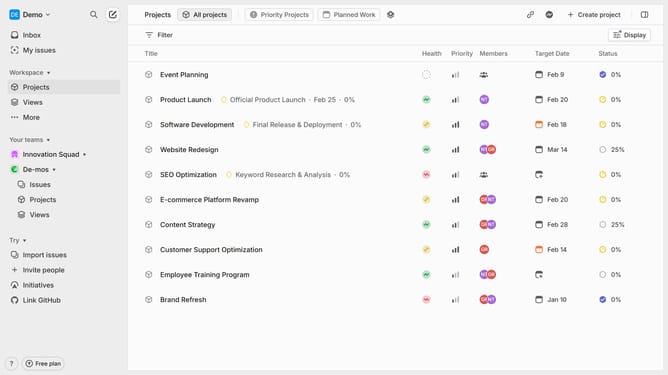
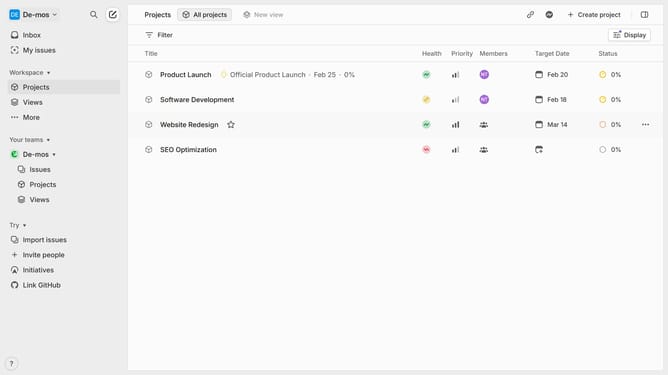
- First navigate to "Project" in the left sidebar
- Then select the project you want to archive and click on the three dots (more options)
- Next click on the "Delete" option from the dropdown menu
- A confirmation pop-up will appear. Confirm that you want to delete the project by clicking on "Delete"
- The project will be moved to the "Recently Deleted" section of your workspace's archive. You can restore the project within 14 days if needed
Why should you archive projects on Linear
Linear is a streamlined project management tool designed to enhance workflow efficiency and team productivity.
Archiving projects on Linear helps keep your workspace organized by allowing you to remove clutter without losing valuable information.
This feature benefits teams by providing a clean, focused environment, enabling members to concentrate on current objectives while retaining access to past achievements for future reference.
Efficient project archiving fosters better project management, ultimately leading to improved team performance and successful project outcomes.
Last update