How to create a project dependency on Linear
Here is how to create a project dependency on linear
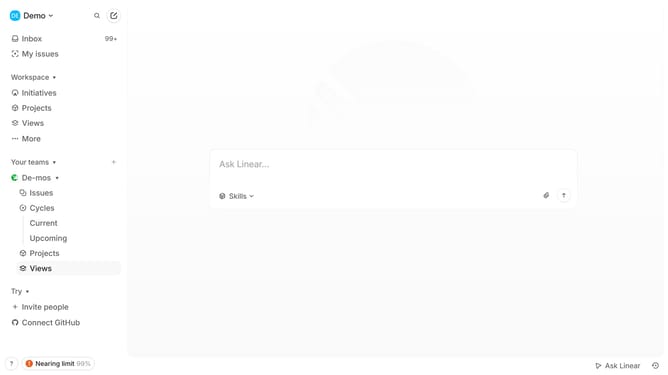
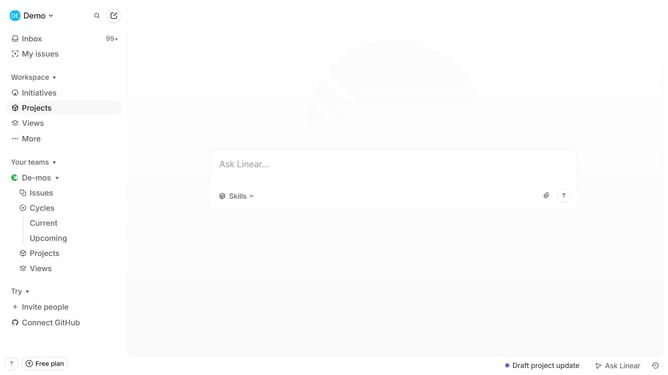
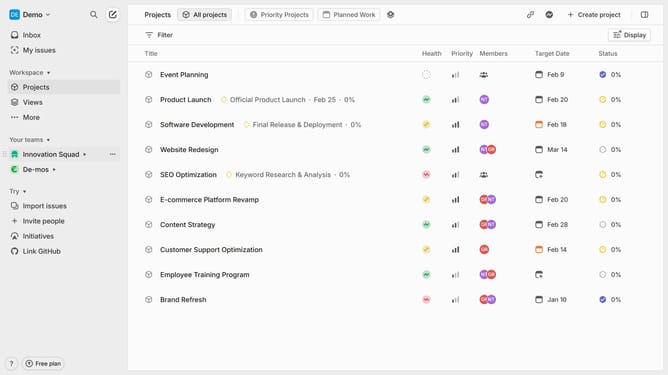
- First, navigate to your workspace and click "Projects" in the left sidebar
- Then select the project for which you want to add a dependency
- Once inside the project, click the three dots (...) in the top
- Then click on "Dependencies" in the dropdown menu
- From the submenu select whether the project is "Blocked by" or "Blocking" another project
- From the list of available projects, select the one that is either blocking or being blocked
- The dependency has been created and will now appear in the "Properties" section in the right
Why should you create a project dependency on Linear
Linear is a streamlined tool designed to enhance productivity by managing projects and tasks efficiently.
Creating a project dependency on Linear serves as a strategic approach to map out tasks that impact each other, ensuring work progresses methodically. This feature enhances clarity, helping teams visualize sequences and anticipate what needs completion before moving forward.
Utilizing project dependencies within Linear allows teams to align efforts, minimize bottlenecks, and meet deadlines without surprises. It instills a sense of order, paving the way for seamless task management and heightened efficiency.
Last update