How to subscribe to an Linear app issue on Linear
Here is how to subscribe to an linear app issue on linear
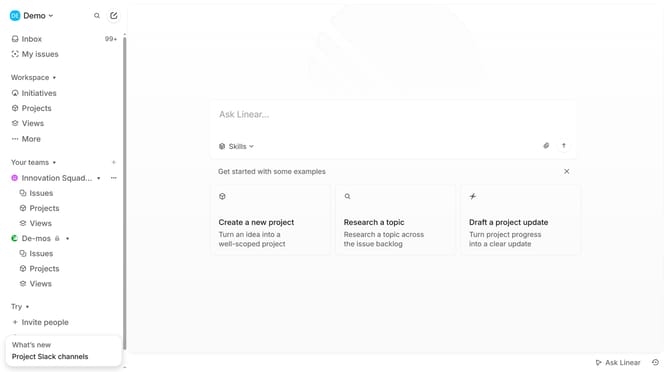
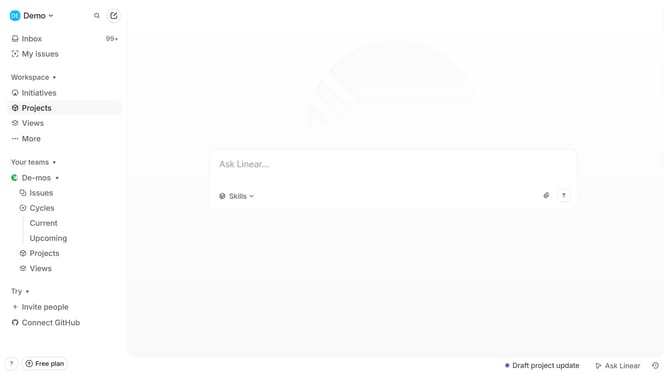
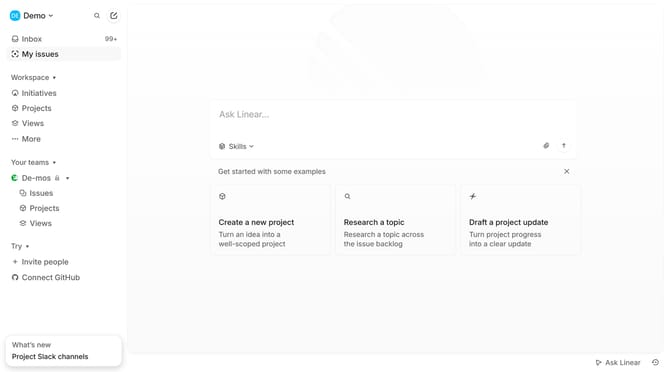
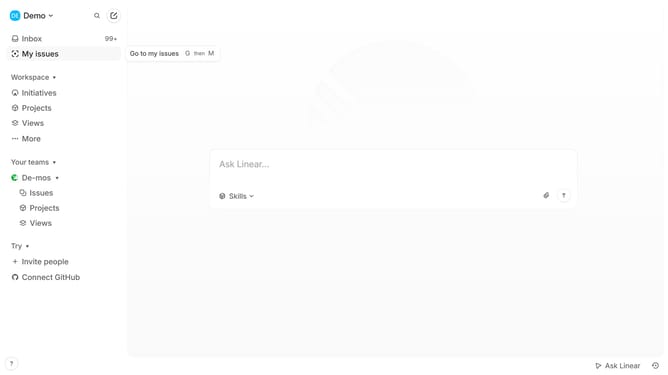
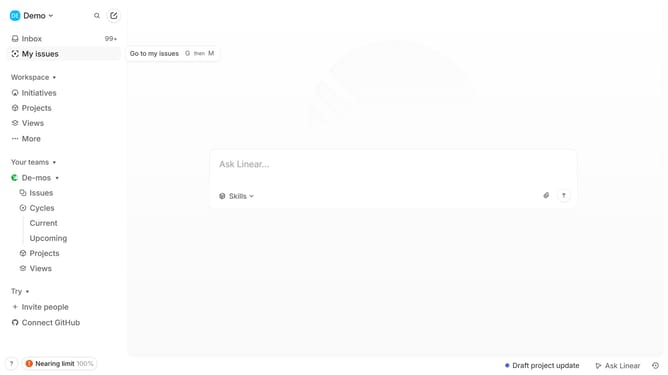
- First click on "My issues" in the left sidebar
- Then click on the issue that you want to manage
- Then click on the three dots icon in the top right corner of the issue details pane
- Finally select "Subscribe to thread" from the dropdown menu
Why should you subscribe to an Linear app issue on Linear
Linear is a streamlined project management tool designed to enhance team productivity and workflow efficiency.
Subscribing to an issue on Linear allows team members to stay fully informed about updates and changes. This feature ensures key stakeholders remain in the loop on project progress without the need for constant check-ins.
By subscribing, users receive immediate notifications, promoting timely decisions and actions. This enhances collaboration within teams, fostering a proactive approach to issue resolution and project development.
Using this feature not only supports effective communication but also aids in maintaining alignment across different roles and responsibilities within a team.
Last update