How to filter Linear app issues by estimates on Linear
Here is how to filter linear app issues by estimates on linear
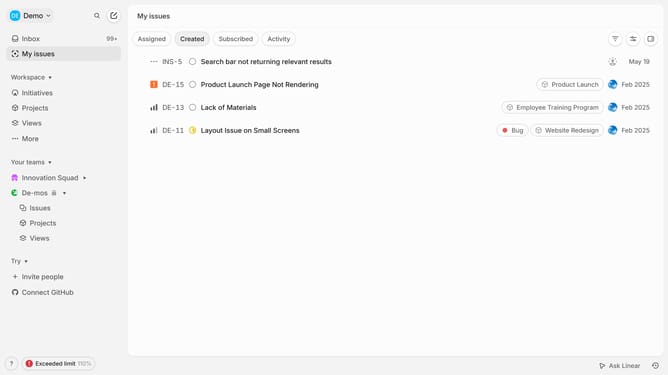
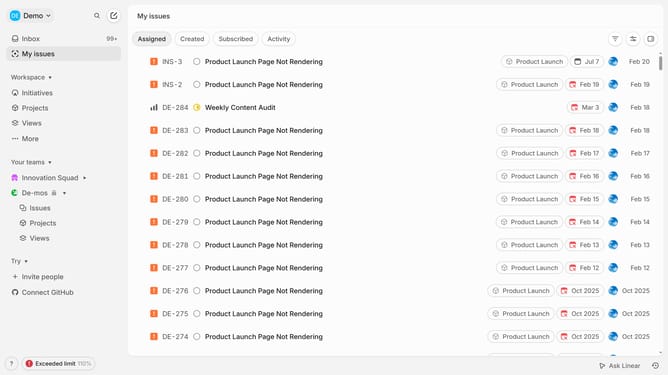
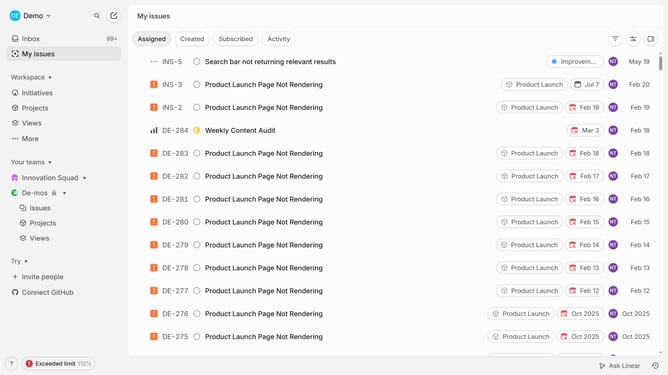
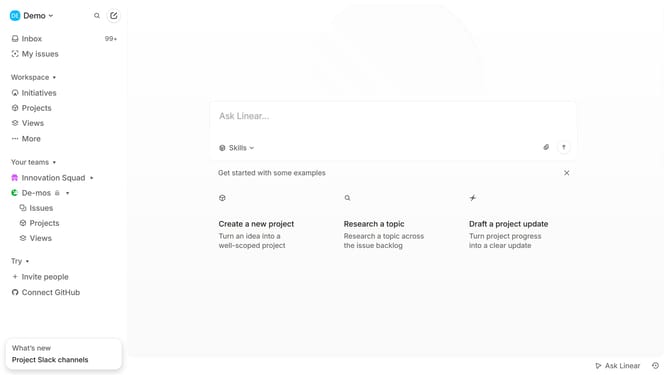
- First click on "My issues" in the sidebar
- Then click on the filter icon in the header
- Then click on "Estimate" in the dropdown menu
- Finally select from the estimate options
Why should you filter Linear app issues by estimates on Linear
Linear is a streamlined project management tool designed to help teams prioritize their workflows with utmost efficiency.
Filtering issues by estimates in Linear allows teams to focus on tasks based on the time and effort required. This feature empowers teams to allocate resources effectively and ensure deadlines are met without compromising quality.
Leveraging this filter enhances visibility into workload distribution, fostering a balanced approach to project completion. As a result, teams experience increased productivity and seamless collaboration.
Last update