How to add comments to an issue on Linear
Here is how to add comments to an issue on linear
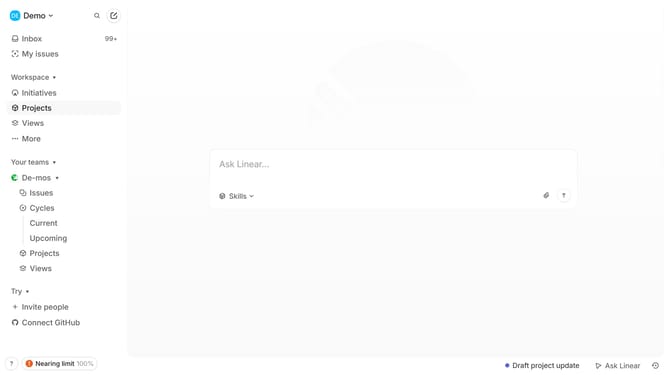
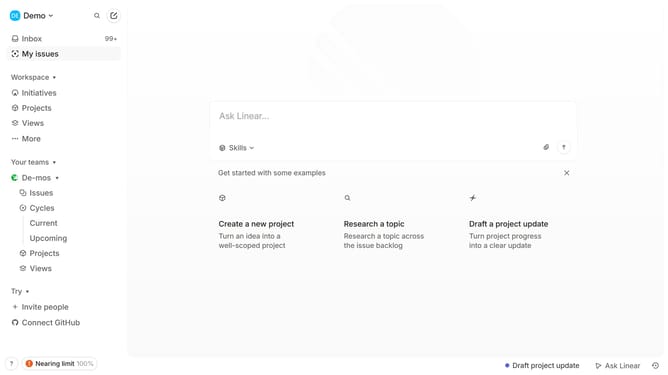
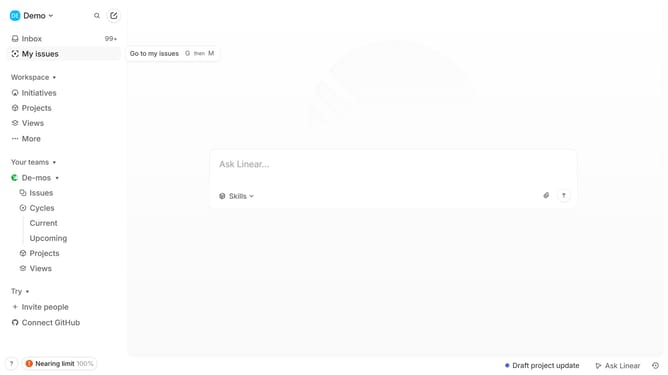
- First click on "My issues" in the left sidebar
- Then click on the issue that you want to manage
- Next click on the text input field to "Leave a comment..."
- Then type into the comment field
- Finally click on the send button to submit the comment
Why should you add comments to an issue on Linear
Linear is a cutting-edge tool designed to streamline team collaboration and enhance project management efficiency.
The feature for adding comments to an issue is an integral part of Linear, allowing team members to provide insights, feedback, and updates effectively. This ensures open communication and fosters a transparent workflow, essential for any successful project.
By adding comments, teams can track progress, address concerns promptly, and keep everyone aligned, driving the project forward with clarity and precision.
Last update