How to enable mobile app notifications on Linear app mentions on Linear
Here is how to enable mobile app notifications on linear app mentions on linear
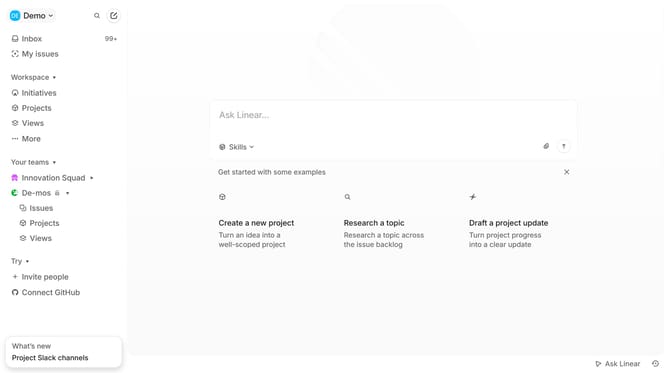
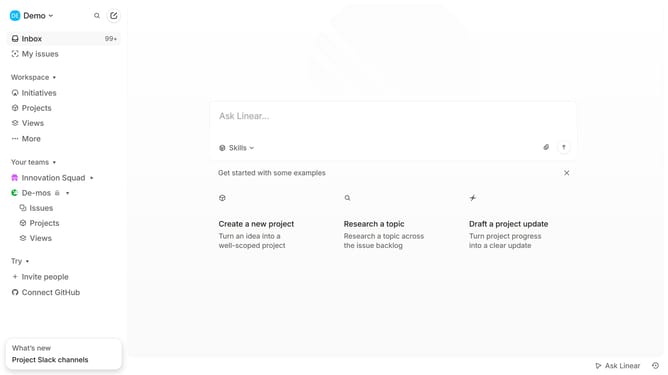
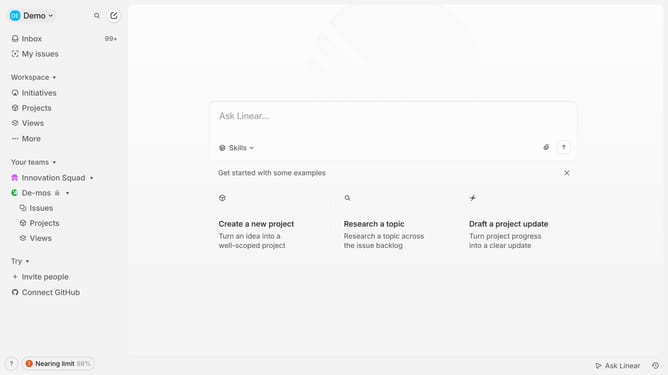
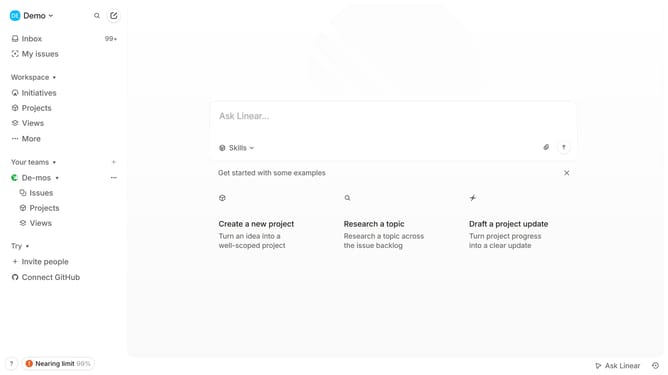
- First click on the "Demo" dropdown in the header
- Then click on the "Settings" option in the dropdown menu
- Next, click on the "Notifications" item in the left sidebar
- Then, click on the "Mobile" notification channel option
- Finally, click the toggle to enable "Mentions"
Why should you enable mobile app notifications on Linear app mentions on Linear
Linear is a powerful tool designed to streamline team workflows and enhance project management efficiency.
Enabling mobile app notifications for mentions on Linear ensures that you stay informed and responsive to team communications, no matter where you are. With notifications enabled, you're promptly alerted when someone mentions you, fostering better collaboration and quicker resolutions in projects.
This feature is invaluable for maintaining smooth team communication, prevents missed updates, and strengthens teamwork by keeping everyone aligned and engaged. It's an essential part of staying connected and productive.
Last update