How to enable email notifications for billing in Linear
Here is how to enable email notifications for billing in linear
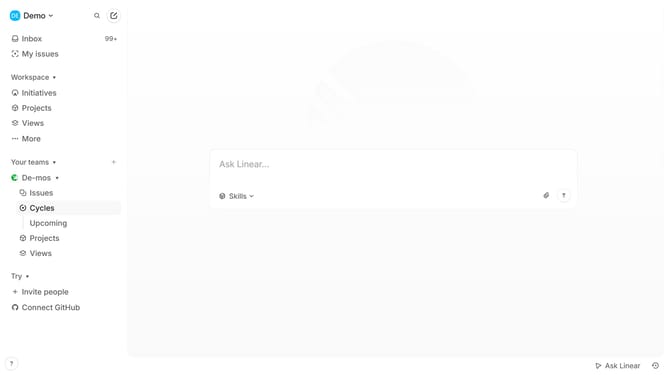
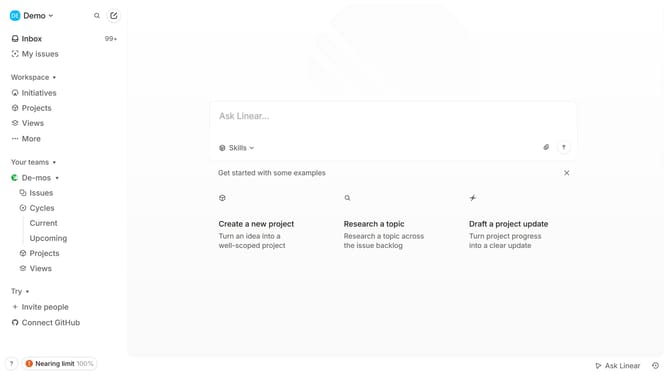
- First click on the "Demo" dropdown in the header
- Then click on "Settings" in the sidebar
- Next click on "Notifications" in the sidebar
- Then click on the "Email" option in the Notifications section
- Finally click on the toggle switch for "Billing" to enable it
Why should you enable email notifications for billing in Linear
Linear is a streamlined tool that optimizes workflow management for teams aiming for efficiency and clarity.
One of its standout features is the ability to enable email notifications for billing, helping users stay on top of financial transactions within the platform.
This capability ensures that important billing information is promptly delivered to your inbox, allowing for better financial oversight and peace of mind.
Incorporating email notifications into your billing process with Linear not only aids in staying informed but also streamlines admin tasks, offering a smoother project management experience.
Last update