How to bold text in tables within project documents in Linear
Here is how to bold text in tables within project documents in linear
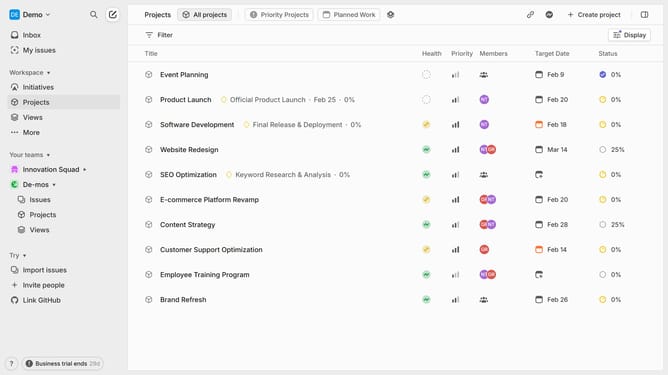
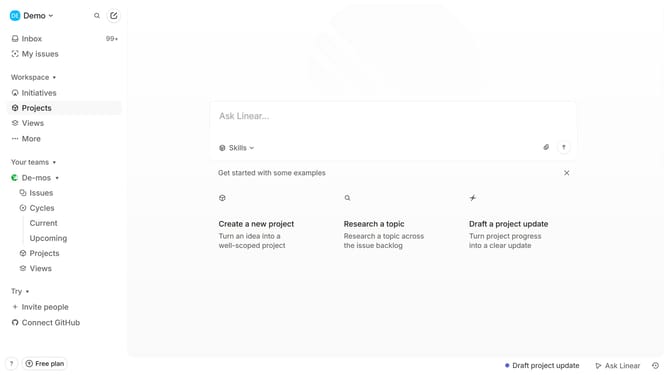
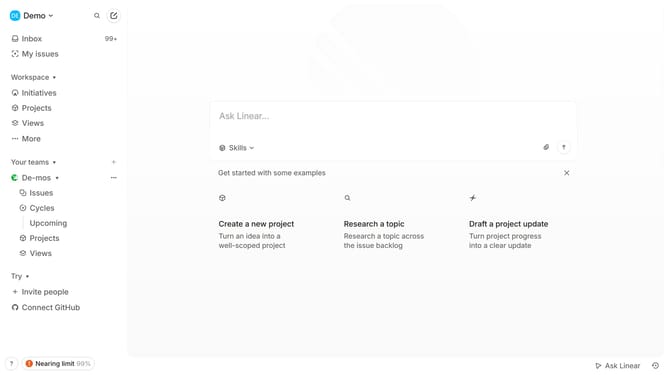
- First click on "Projects" in the sidebar
- Then click on the project to open it
- Next click on the document link in the "Resources" section
- Then click and highlight the word that you want to manage to show options
- Finally click on the "B" button in the formatting toolbar
Why should you bold text in tables within project documents in Linear
Linear is an intuitive platform designed to streamline project management and enhance team productivity with precision.
Bold text in tables within Linear documents allows for easy highlighting of crucial information, making it effortless to draw attention to important details.
This feature improves readability and ensures that key points in the project documents are prominently displayed, facilitating better comprehension for all team members.
By emphasizing essential data, teams can focus on what matters most, accelerating decision-making and fostering effective project collaboration.
Last update