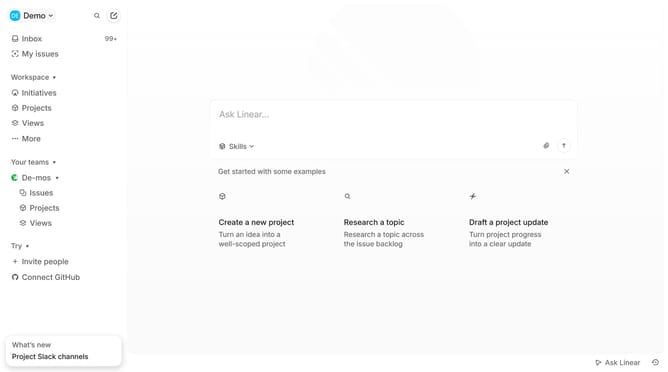
How to enable email notifications on Linear
Here is how to enable email notifications on linear
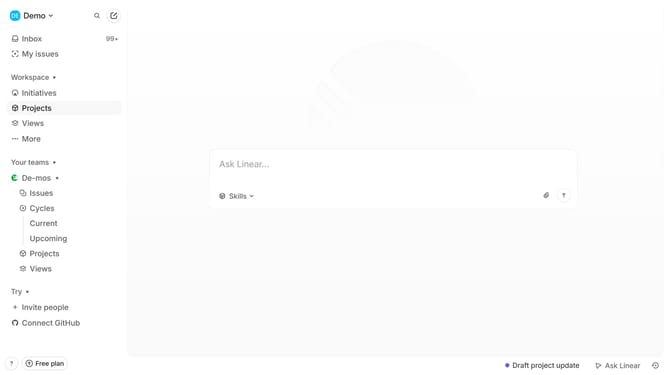
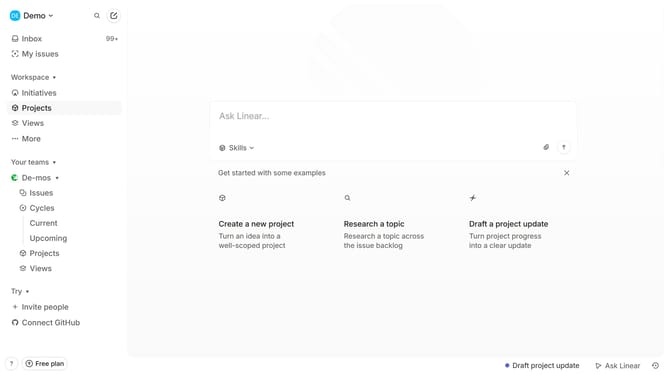
- First click on the "Demo" dropdown in the header
- Then click on the "Settings" option from the dropdown menu
- Next click on "Notifications" in the left sidebar
- Then click on the "Email" option
- Finally click the toggle to enable email notifications
Why should you enable email notifications on Linear
Linear is a sleek tool designed to streamline project management for modern teams.
Enabling email notifications on Linear can significantly enhance your workflow by ensuring that you are always informed of updates and important changes.
This feature allows for better tracking of tasks and deadlines, helping you stay organized and prioritize effectively. By receiving timely alerts, teams can reduce response time and ensure nothing slips through the cracks.
Utilizing email notifications fosters improved collaboration and keeps all team members aligned towards common goals.
Last update