How to duplicate issue templates on Linear
Here is how to duplicate issue templates on linear
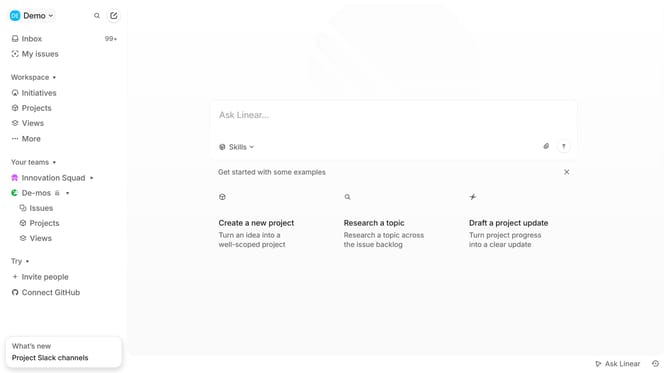
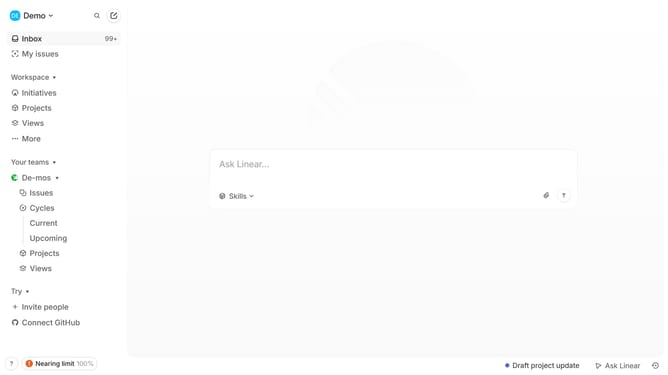
- First click on the "Demo" dropdown in the header
- Then click on "Settings" in the dropdown menu
- Next, click on "Templates" in the sidebar
- Then click on the three dots next to the template name
- After that, click on "Duplicate" within the menu
- Finally click on the "Create" button
Why should you duplicate issue templates on Linear
Linear is a streamlined platform designed to enhance workflow and project management efficiency.
Among its many features, Linear allows users to easily duplicate issue templates. This feature is a massive time-saver for teams managing numerous similar tasks. Instead of creating new issue templates from scratch, teams can simply duplicate existing ones and modify them as needed, maintaining consistency across projects.
Using this feature helps ensure standardization and reduces repetitive work, improving productivity. It also facilitates clarity and uniformity, making it easier for team members to follow processes and guidelines.
Last update