How to disable email notifications for subscriptions in Linear
Here is how to disable email notifications for subscriptions in linear
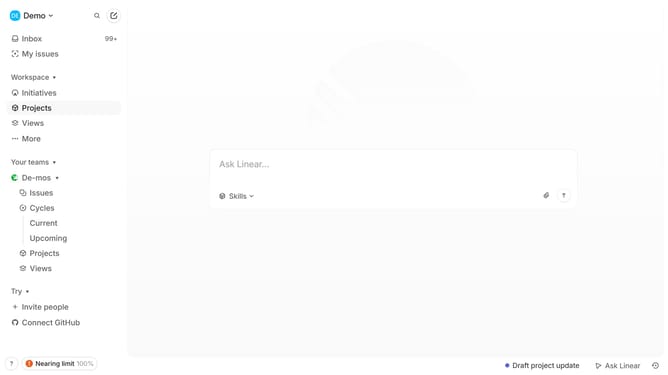
- First click on the "Demo" dropdown in the header
- Then click on "Settings" in the left sidebar menu
- Next, select "Notifications" from the "Preferences" section in the sidebar
- Then click on "Email" within the "Notification channels" on the main panel
- Finally, toggle the "Subscriptions" option to the OFF position
Why should you disable email notifications for subscriptions in Linear
Linear is a streamlined tool designed to enhance team productivity and tracking.
A feature that stands out is the ability to disable email notifications for subscriptions. This allows users to focus on what truly matters without being inundated by an overflowing inbox.
By managing notifications effectively, you gain more control over your time and attention, enhancing overall productivity.
Ultimately, this feature empowers you to maintain a clutter-free communication flow, ensuring you remain engaged with project developments on your terms.
Last update