How to add a due date on a sub-issue on Linear
Here is how to add a due date on a sub-issue on linear
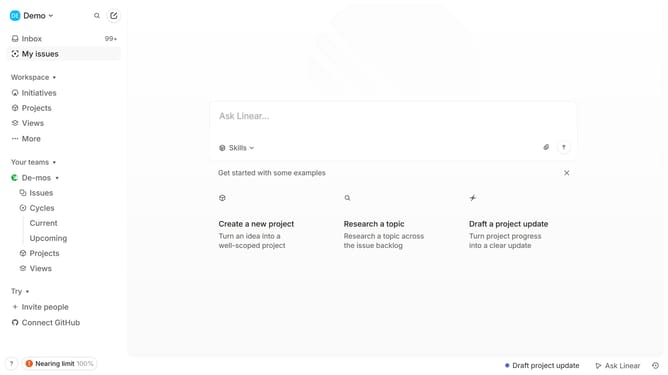
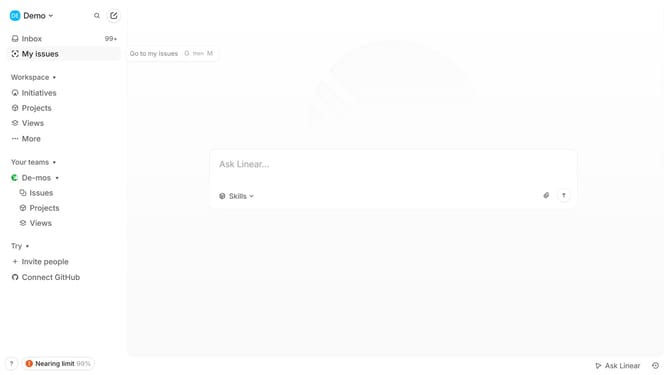
- First click on "My issues" in the sidebar menu
- Then click on the issue that you want to manage
- Next right-click on the sub-issue
- Then select "Due date" from the dropdown menu
- Finally select from the due date options
Why should you add a due date on a sub-issue on Linear
Linear is a streamlined project management tool designed to enhance productivity through simplicity and efficiency.
Adding a due date on a sub-issue in Linear enables teams to manage their timelines more effectively, keeping smaller tasks aligned with broader project goals.
This feature not only helps in prioritizing tasks but also ensures that every team member is aware of crucial deadlines, fostering accountability and reducing the risk of overdue tasks.
Embracing this functionality can improve collaboration, enhance time-management, and ultimately contribute to smoother project execution.
Last update