How to filter by project dependency on Linear
Here is how to filter by project dependency on linear
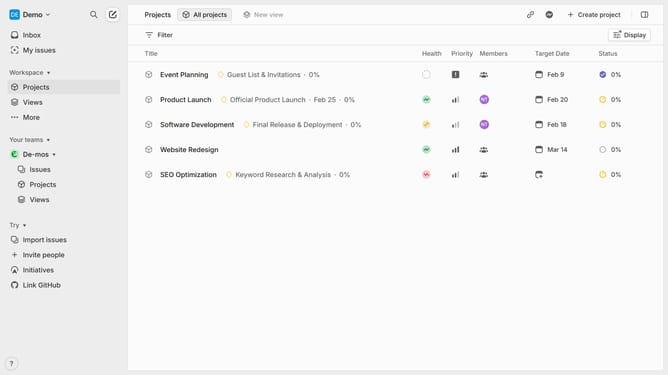
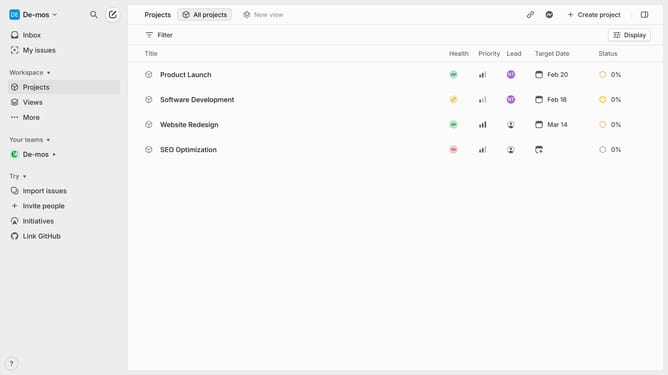
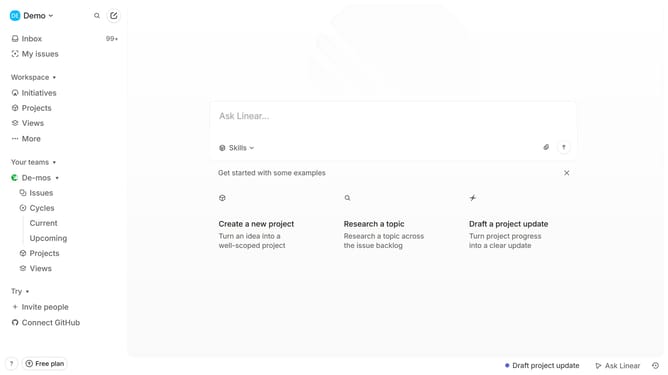
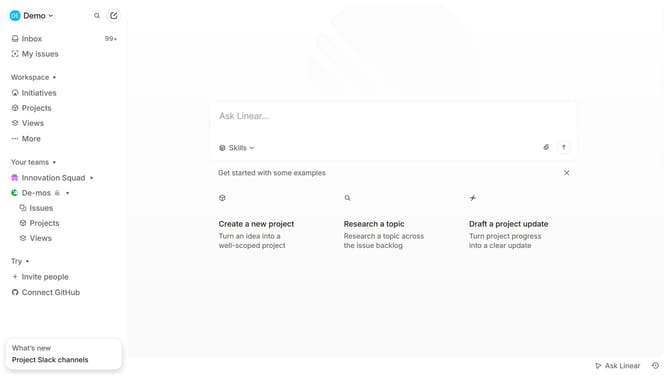
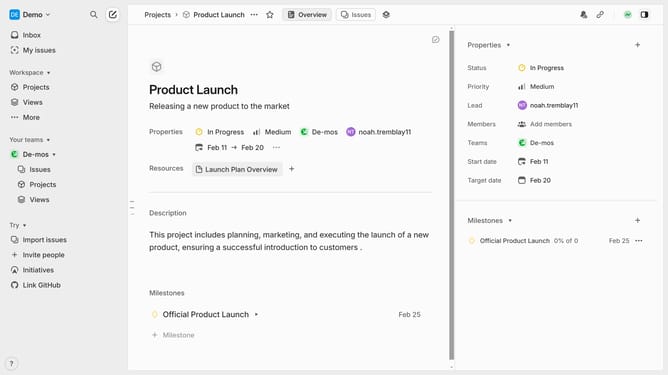
- First click on “Projects” in the left sidebar
- Next click on the "Filter" button in the top menu bar
- In the filter dropdown, scroll to or search for “Dependencies”
- Then select Has dependencies, Blocking dependency, Blocked by dependency, or Violated dependencies based on your filtering needs
- The project list will instantly update to reflect the filter you’ve selected
Why should you filter by project dependency on Linear
Linear is a productivity tool designed to streamline project management and enhance team collaboration.
The ability to filter by project dependency on Linear is a significant feature that helps teams to prioritize tasks effectively. By organizing tasks based on their dependencies, you gain a clearer picture of what needs immediate attention.
This functionality not only boosts efficiency but also aids in resource allocation, ensuring that projects proceed smoothly without unnecessary obstructions.
Implementing dependency filters leads to improved workflow clarity, enabling teams to meet their goals consistently and on time.
Last update