How to disable linear app reminder notifications on Linear
Here is how to disable linear app reminder notifications on linear
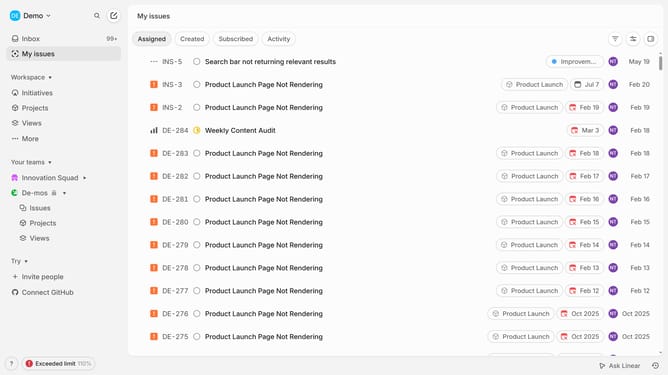
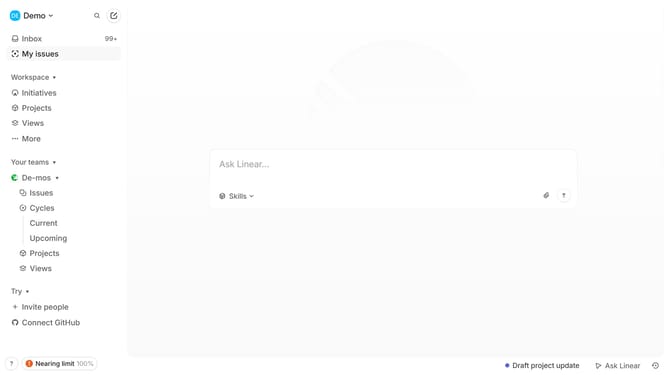
- First click on "My issues" item in the sidebar
- Then click on the "Created" tab
- Next, click on the issue that you want to manage
- Then click on the option
- Finally click on the "Cancel reminder" button
Why should you disable linear app reminder notifications on Linear
Linear is a streamlined project management tool designed to help teams stay organized and efficient.
Being able to disable reminder notifications is a valuable feature in Linear, as it allows users to maintain their focus without interruptions.
This feature helps improve productivity by eliminating unnecessary distractions, enabling team members to concentrate on high-priority tasks.
By customizing notification settings, teams can tailor their workflow to best suit their needs, fostering a more harmonious work environment.
Last update