How to disable email notifications for reactions in Linear
Here is how to disable email notifications for reactions in linear
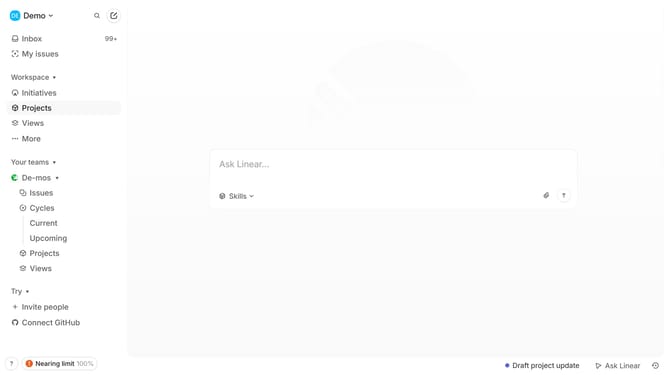
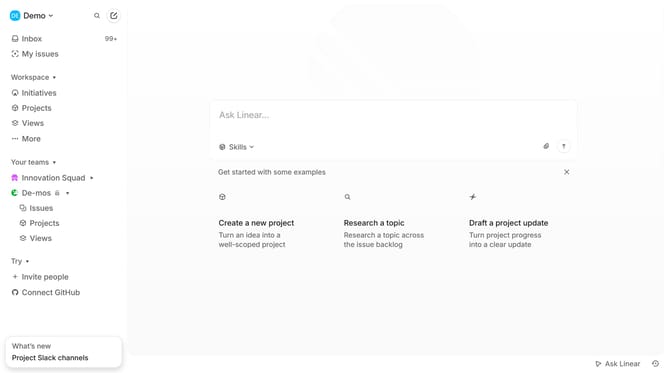
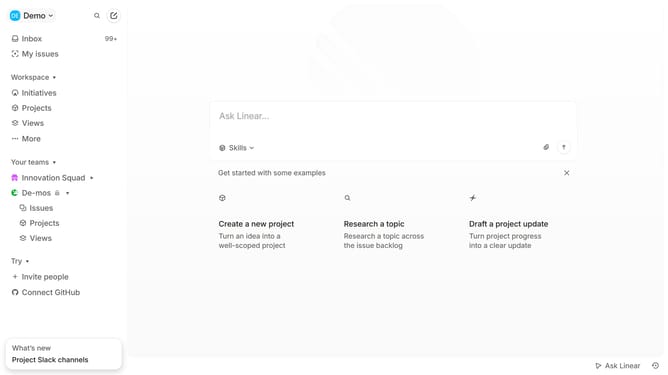
- First click on the "Demo" dropdown in the header
- Then click on "Settings" in the dropdown menu
- Next click on "Notifications" in the sidebar
- Then click on the "Email" option from the list
- Finally, click on the toggle next to "Reactions" to disable it
Why should you disable email notifications for reactions in Linear
Linear streamlines project management with intuitive and effective task tracking.
In the dynamic world of teamwork, staying on top without overload is crucial for productivity. Disabling email notifications for reactions in Linear helps achieve a focused work environment without missing important updates.
This feature allows you to manage distractions by minimizing unnecessary email interruptions, enhancing your team's workflow efficiency. Enjoy the benefit of reduced inbox clutter while maintaining seamless communication and collaboration.
Last update