How to unsubscribe from an issue on Linear
Here is how to unsubscribe from an issue on linear
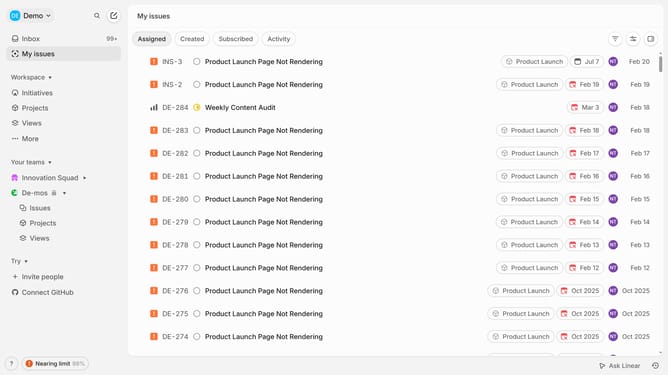
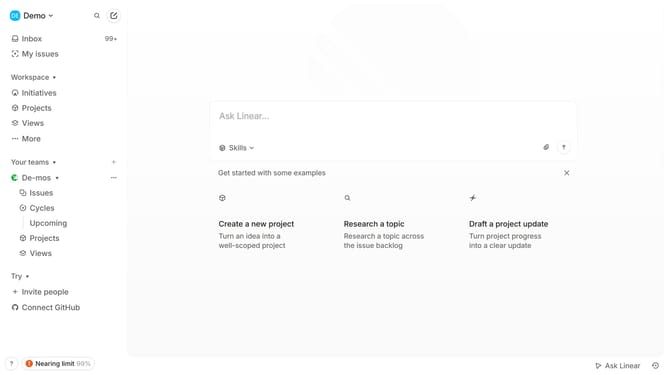
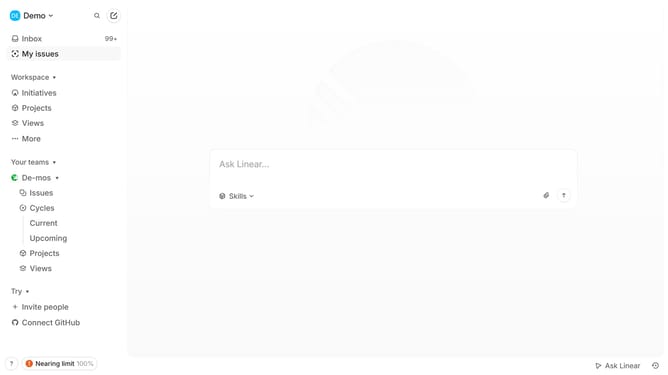
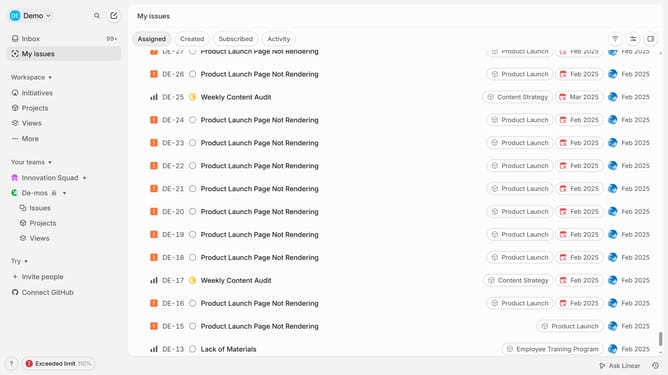
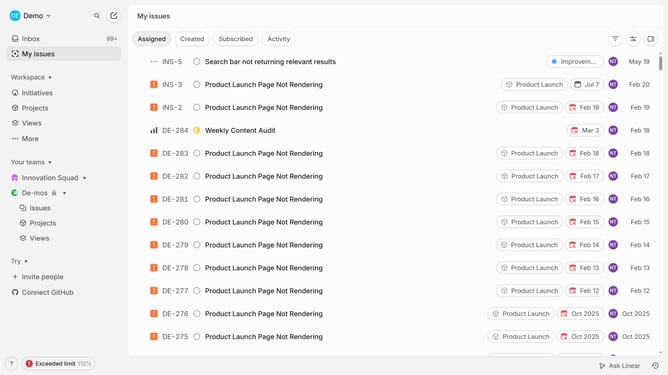
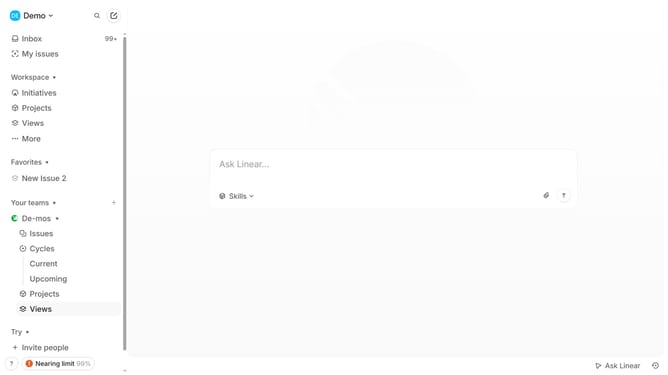
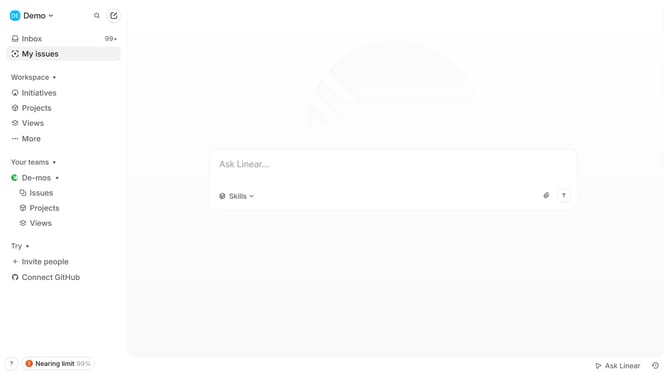
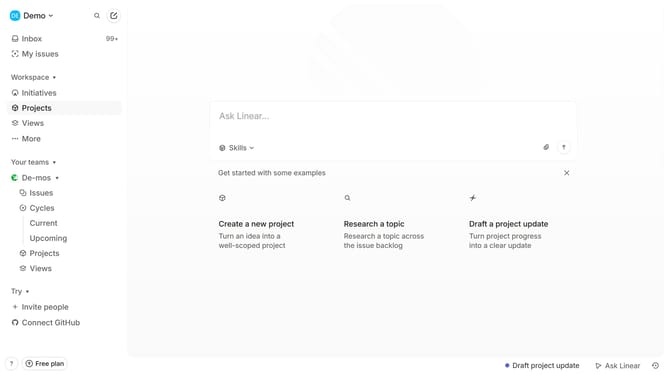
- First click on "My issues" in the left sidebar
- Then click on the issue that you want to manage in the main content area
- Next, click on the three dots icon in the header of the issue details view
- Finally, click on "Unsubscribe from thread" in the dropdown menu
Why should you unsubscribe from an issue on Linear
Linear is an intuitive project management tool designed to streamline tracking, collaboration, and productivity.
Unsubscribing from an issue on Linear allows users to manage notifications effectively, ensuring one's focus remains sharp on high-priority tasks.
By leveraging this feature, teams can minimize distractions and maintain a seamless workflow, adapting quickly to the ever-changing demands of project management.
This empowerment of focus aids in boosting efficiency and heightens overall team output.
Last update