How to update your job title in Linear
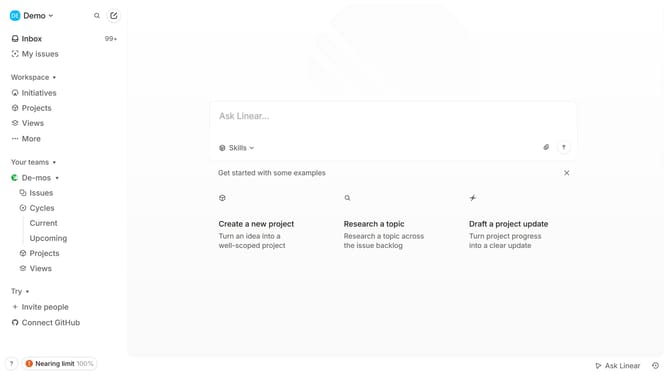
Here is how to update your job title in linear
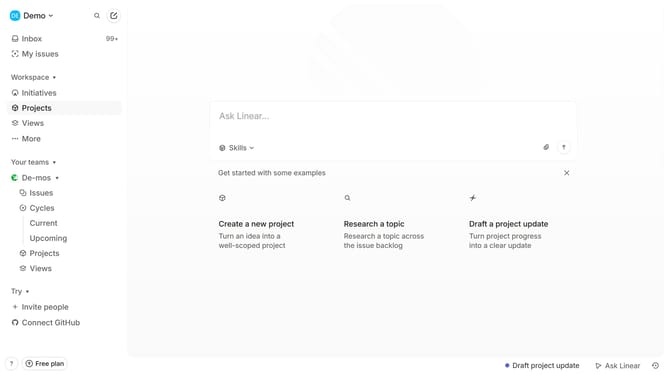
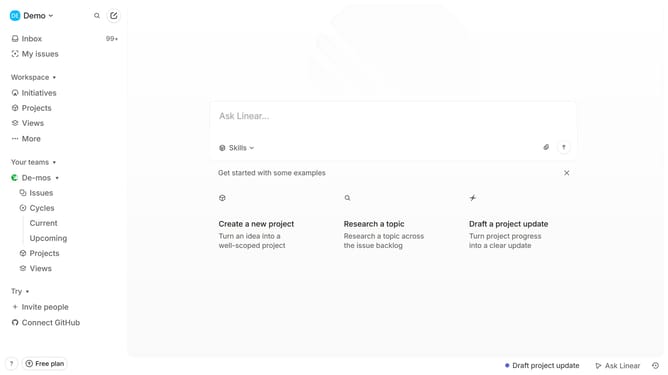
- First click on the "Demo" dropdown in the header
- Then click on "Settings" in the sidebar
- Next, click on "Profile" in the sidebar
- Then click on the "Title" input field in the main section and update it
- Finally, click outside the input field to save changes
Why should you update your job title in Linear
Linear is a streamlined project management tool designed to boost productivity and team collaboration.
Updating your job title in Linear is an easy process that ensures your profile accurately reflects your professional role.
It provides clarity within your team, enabling seamless communication and a better understanding of responsibilities and contributions.
Refreshing your job title not only enhances personal branding but also aligns team dynamics, fostering a collaborative work environment.
Last update