How to create a URL from a template on Linear
Here is how to create a url from a template on linear
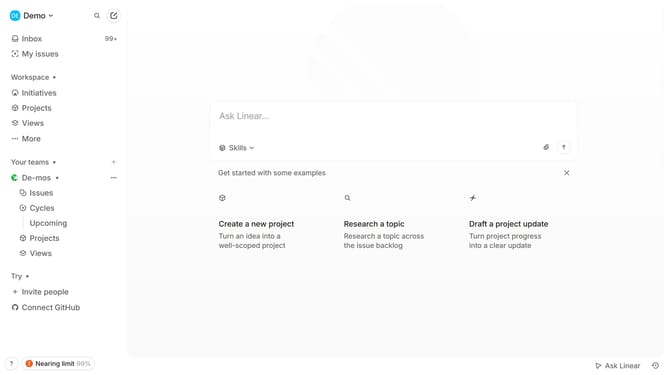
- First click on the dropdown arrow in the top left of your workspace
- Then click on "Settings" option in the dropdown menu
- Next click on "Templates" in the left sidebar under "Features" section
- Click the three dots (...) next to the template you want to use
- Select "Copy URL to create issue from template" from the dropdown menu
- Now, you have a URL copied to your clipboard. You can share or use this link to directly create an issue from that template
Why should you create a URL from a template on Linear
Linear is a streamlined project management tool designed to enhance team workflow efficiencies.
Creating a URL from a template on Linear empowers teams to maintain consistent formatting and structure across projects.
This feature allows users to quickly generate uniform links, ensuring easy access to essential information without repetition or loss of detail.
Utilizing this capability reinforces seamless communication and fosters a cohesive approach to project management.
Last update