How to disable Linear app notifications for apps and integrations in Linear
Here is how to disable linear app notifications for apps and integrations in linear
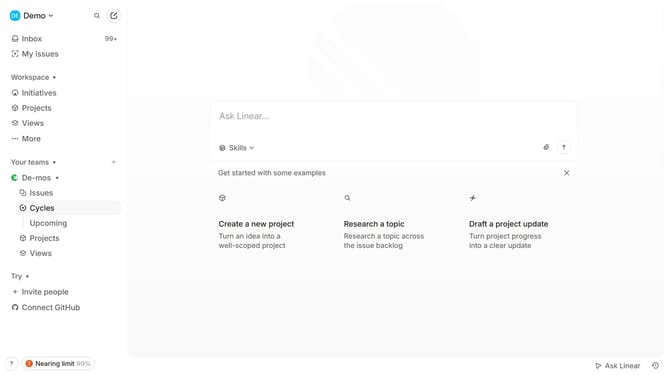
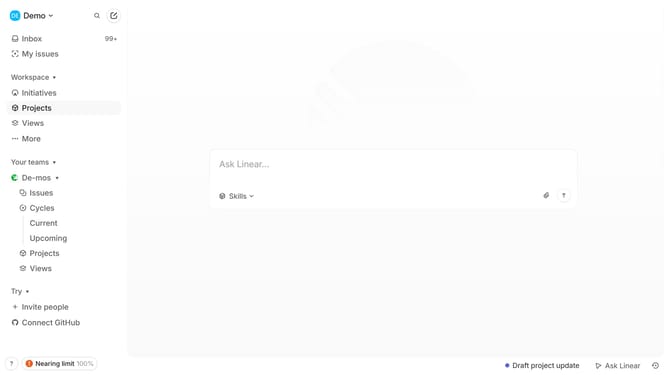
- First click on the "Demo" dropdown in the header
- Then click on "Settings" in the opened dropdown menu
- Next click on "Notifications" in the sidebar
- Then click on the "Mobile" option in the main content area
- Finally click on the toggle switch next to "Apps and integrations" to disable it
Why should you disable Linear app notifications for apps and integrations in Linear
Linear is a productivity tool designed to streamline workflow and enhance team collaboration.
With the feature to disable notifications for apps and integrations, Linear allows users to maintain focus by eliminating unnecessary distractions. This gives users control over the alerts they receive, helping to prioritize what's important.
Reducing notification clutter not only increases productivity but also leads to a more serene workspace. By customizing notification settings, teams can ensure they're only notified about critical updates.
Last update