How to disable mobile app notifications on Linear app reactions on Linear
Here is how to disable mobile app notifications on linear app reactions on linear
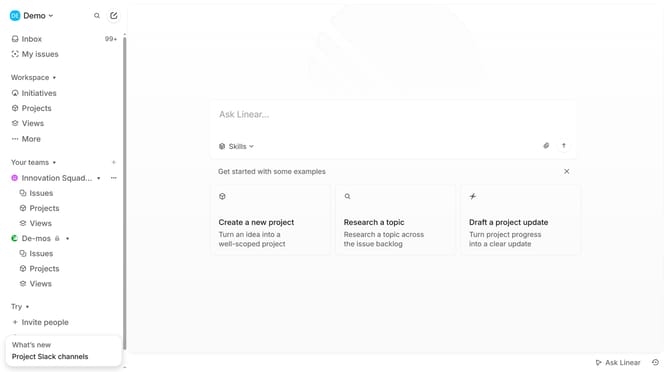
- First click on the "Demo" dropdown in the header
- Then click on the "Settings" option in the left sidebar
- Next, click on the "Notifications" option in the left sidebar under the Settings menu
- Click on the "Mobile" section in the main content area
- Finally, click on the toggle switch in the "Reactions" section to disable it
Why should you disable mobile app notifications on Linear app reactions on Linear
Linear is a sleek tool designed to streamline team workflows and enhance productivity.
Disabling mobile app notifications for Linear reactions can help maintain focus and reduce distractions during crucial work hours.
By managing these notifications, users can choose when to engage with updates, ensuring they remain in control of their schedules while still staying informed.
This feature supports a balanced workflow, empowering professionals to concentrate on tasks without missing important team interactions.
Last update