How to filter Linear app issues by status on Linear
Here is how to filter linear app issues by status on linear
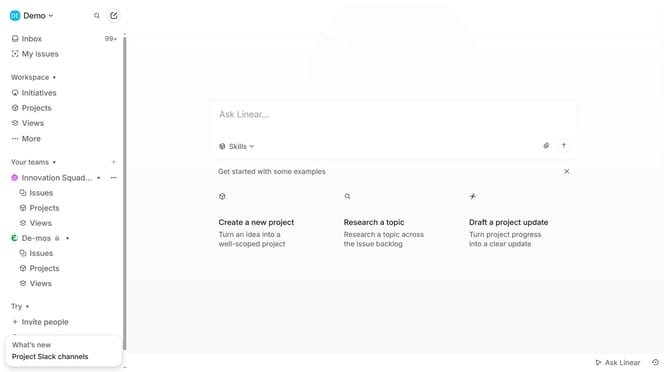
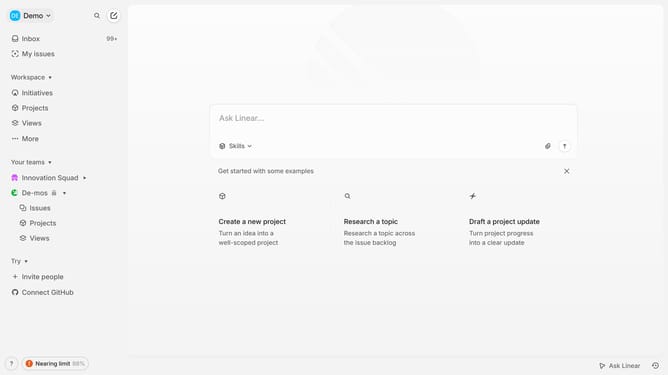
- First click on "My issues" in the left sidebar
- Then click on the "Assigned" tab
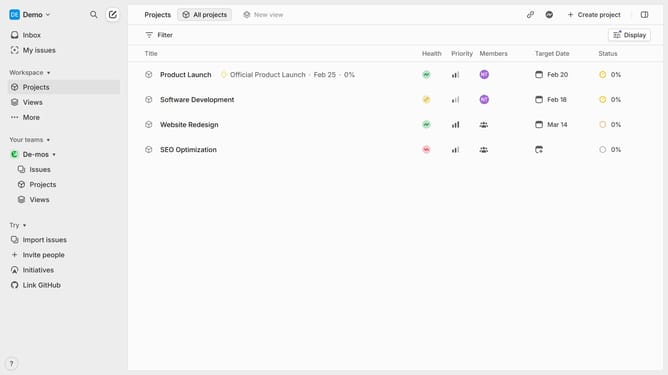
- Next, click on the filter icon in the header
- Then select "Status" from the filter options Finally, select an option under the Status filter
Why should you filter Linear app issues by status on Linear
Linear is a streamlined project management tool designed to make team workflows smooth and efficient.
One of the standout features of Linear is the ability to filter issues by status, empowering teams to easily track the progress and prioritize tasks.
This feature allows you to quickly see what is in progress, what needs attention, and what has been completed, thus enhancing productivity and team coordination.
By effectively utilizing the status filter, teams can maintain focus, ensure timely delivery, and reduce task backlog effortlessly.
Last update