How to italicize updates on projects on Linear
Here is how to italicize updates on projects on linear
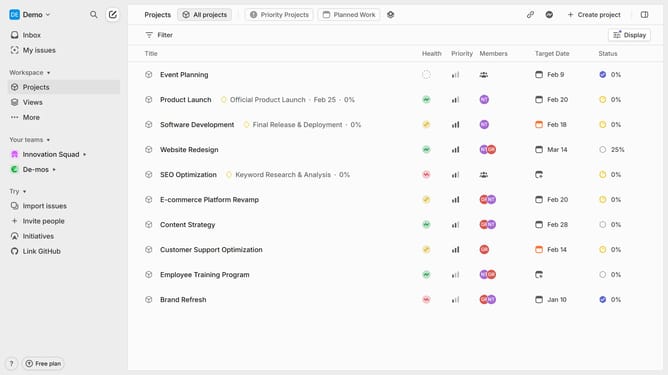
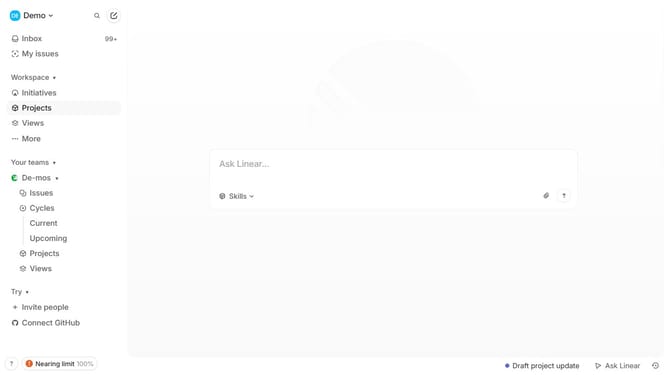
- First click on the "Projects" item in the left sidebar
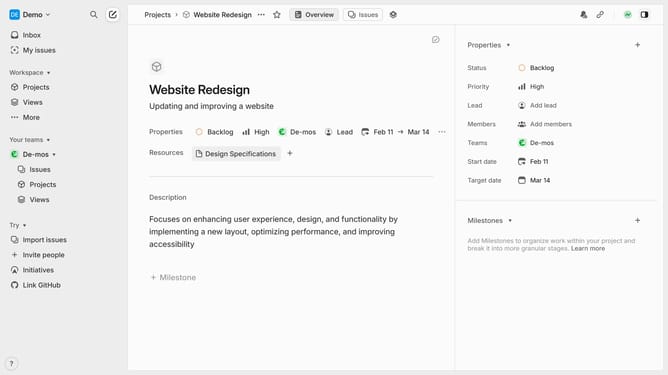
- Then click on a project from the list
- Next, click on the "three dots" icon in the top right corner of the project details
- Then select the "Edit" option from the dropdown menu
- Click on the text within the project description to select it
- Then, click on the "I" icon in the text formatting toolbar to apply italics
- Finally click on the "Save" button to confirm the changes.
Why should you italicize updates on projects on Linear
Linear is a sleek project management tool designed to streamline team workflows and enhance productivity.
When providing updates on projects in Linear, italicizing text is a simple yet powerful feature that can emphasize critical changes or key pieces of information.
This subtle formatting option helps team members quickly delineate important updates without overwhelming them with excessive styling.
By using italics, project updates become more structured and easier to digest, fostering clearer communication within teams.
Last update