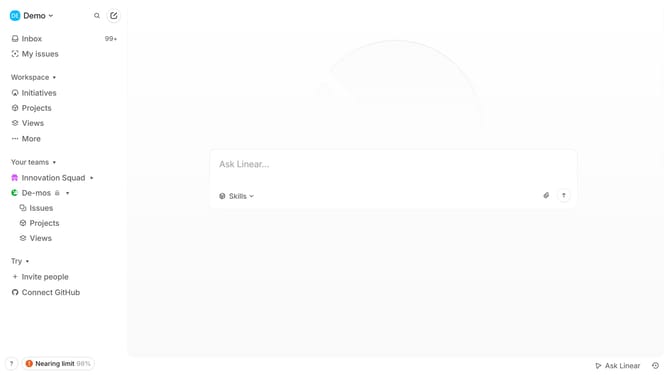
How to save update as a draft on Linear
Here is how to save update as a draft on linear
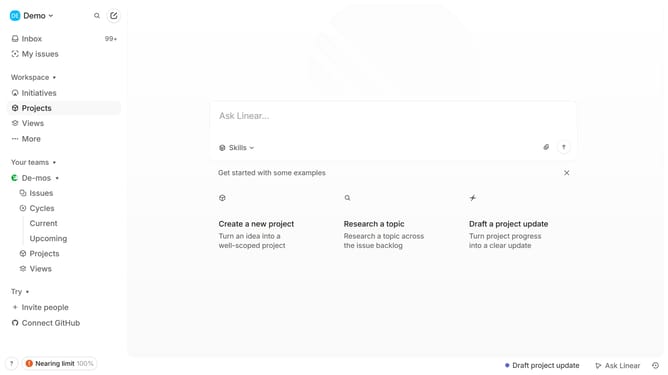
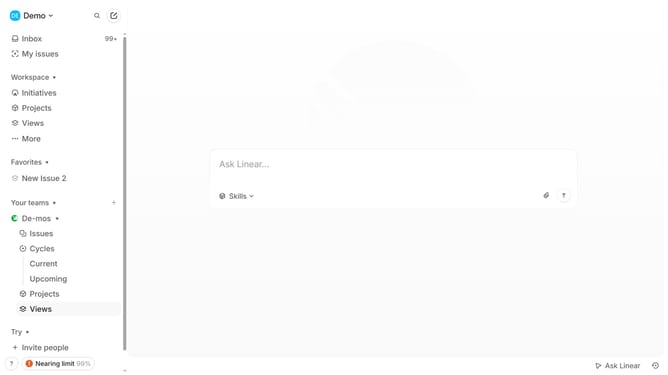
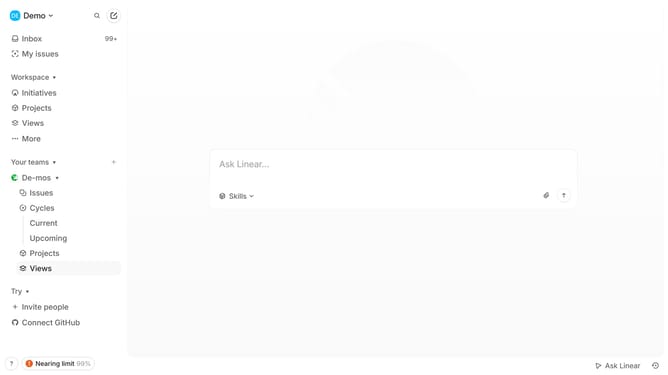
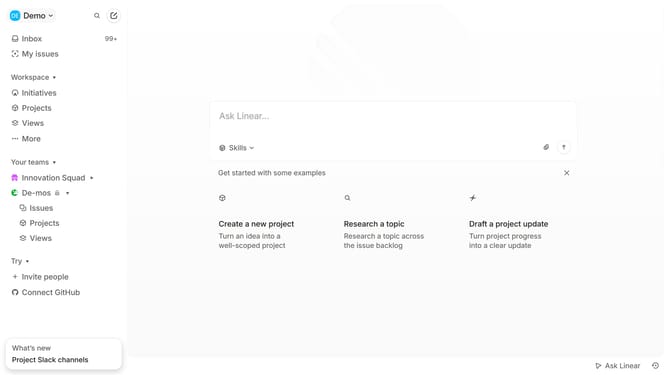
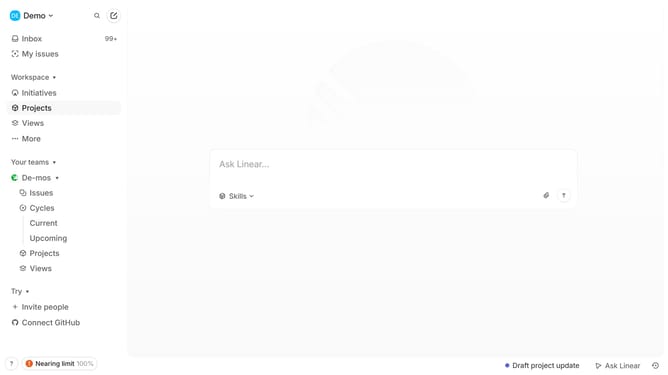
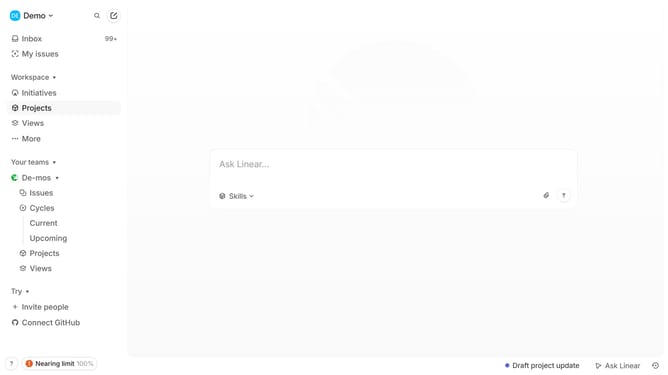
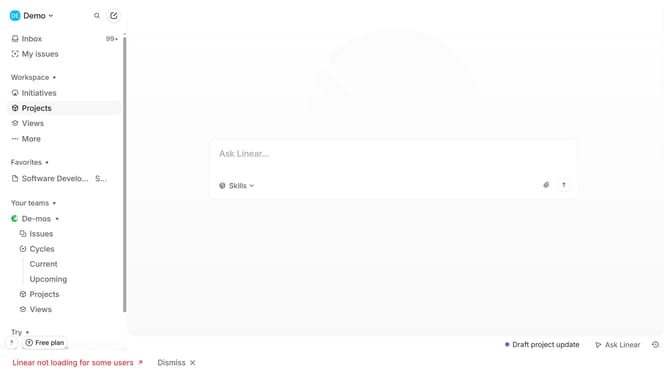
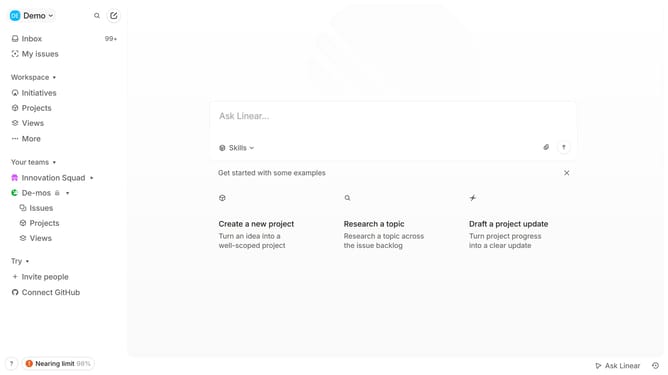
- First, click on "Projects" in the left sidebar
- Then, click on the project name to open it
- Next, click on the "Update" button
- After that, click on the update text input field and enter your update
- Finally, click on the "Save as draft" button
Why should you save update as a draft on Linear
Linear is a streamlined project management tool designed to enhance workflow efficiency.
The "save update as a draft" feature allows users to jot down changes and improvements without making them immediately public.
This ensures that your team can take the time to refine ideas and release them when ready, maintaining quality and coherence.
Using drafts means fewer errors and more thought-out updates, enhancing strategic planning and execution.
Last update