How to bold updates on projects on Linear
Here is how to bold updates on projects on linear
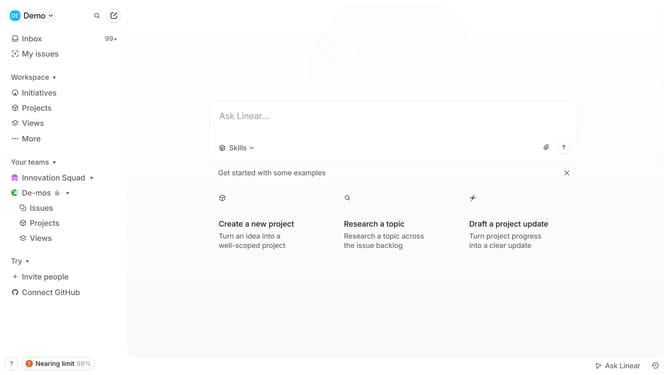
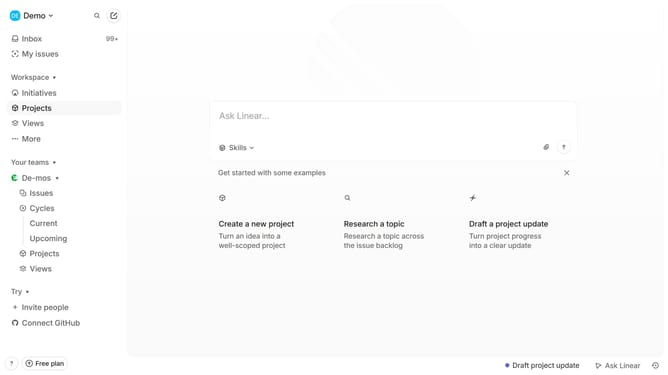
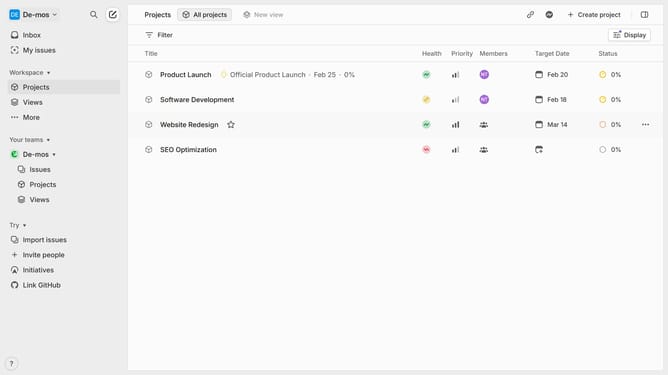
- First click on "Projects" in the sidebar
- Then click on a project in the list
- Next, click on the "three dots" icon in the top right corner of the project details
- Then click on the "Edit" option in the dropdown menu
- Next, click on the text in the main content area to select it
- Then click on the "B" icon to make the text bold
- Finally click on "Save" button to save the changes
Why should you bold updates on projects on Linear
Linear is a powerful tool designed for efficient project management and collaboration. Adding bold updates on projects in Linear helps emphasize important information, ensuring team members grasp critical details swiftly.
By bolding updates, you maintain clarity in communication, allowing faster and more effective decision-making processes. It enhances the project's visibility, enabling team members to focus on tasks that require immediate attention.
This feature optimizes workflow by reducing misunderstandings and improving productivity through clear, concise communication. Harness the power of bold updates in Linear, and transform how your team stays informed.
Last update