How to edit cycle description in Linear
Here is how to edit cycle description in linear
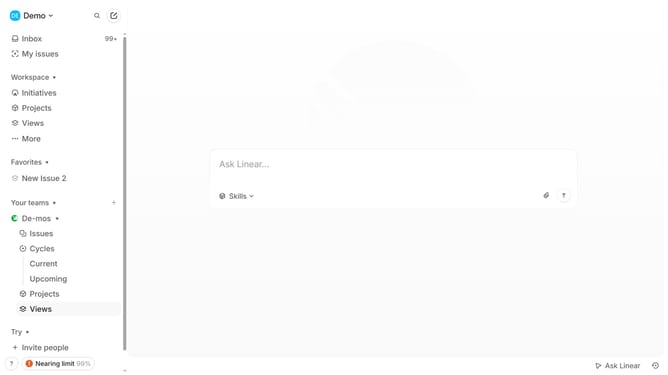
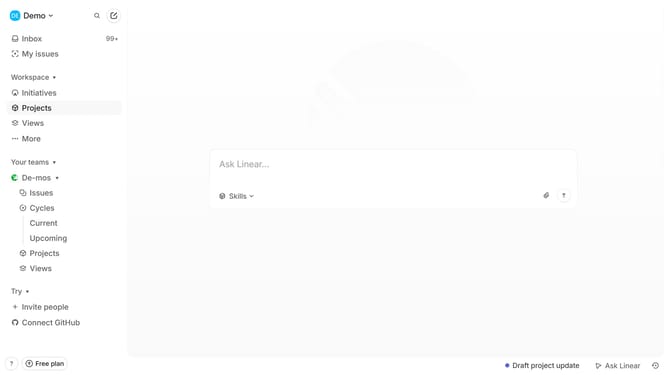
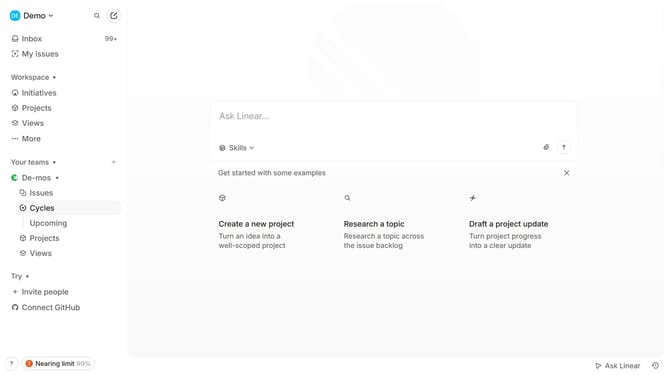
- First click on "Cycles" item in the left sidebar
- Then click on the cycle that you want to manage
- Next click on the three dots icon in the header of the cycle view
- Then select "Edit cycle name and description" from the dropdown menu
- Next click on the "Add description" input field and add description
- Finally click on the "Save" button
Why should you edit cycle description in Linear
Linear is a streamlined project management tool designed to enhance team productivity and workflow efficiency.
The feature that allows you to edit cycle descriptions in Linear is an indispensable aspect for maintaining project clarity. Customizing the cycle description ensures all team members are aligned with the objectives and specific nuances of each phase.
This feature promotes a clearer understanding of tasks and timelines, fostering improved communication and collaboration within the team.
Ultimately, by managing cycle descriptions effectively, teams can optimize their workflow, ensuring that all projects progress smoothly and efficiently.
Last update