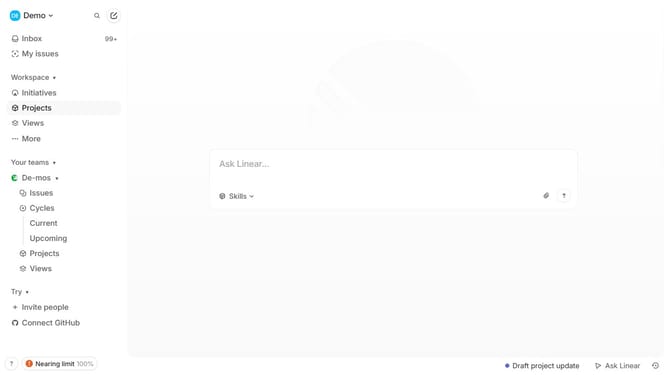
How to filter and group by milestones on Linear
Here is how to filter and group by milestones on linear
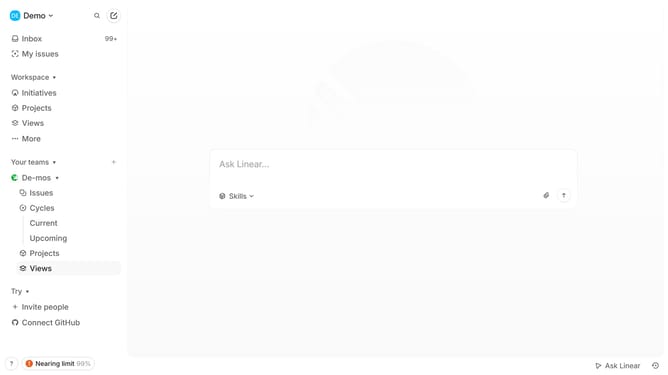
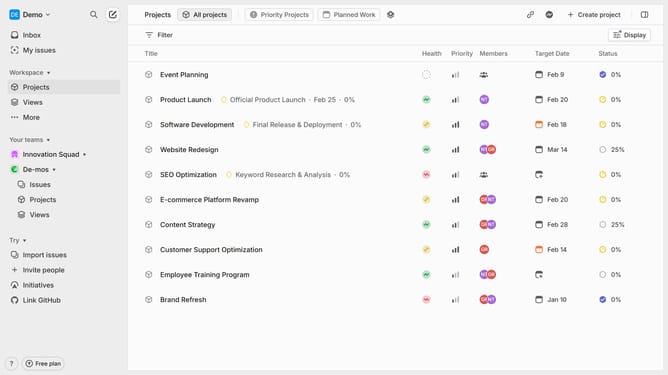
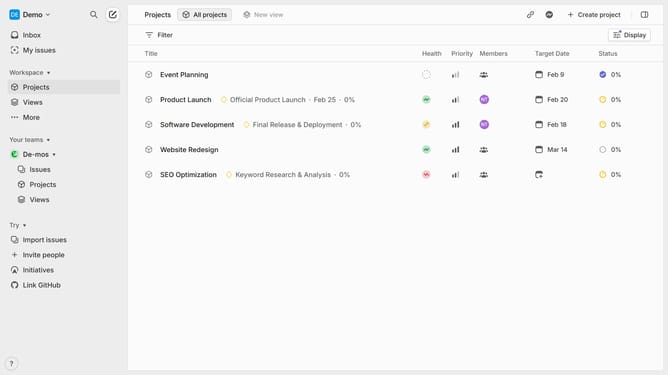
- First click on "Projects" in the left sidebar
- Then click on "Filter" button in the top toolbar
- Next choose "Next Milestone" or "Completed Milestone" from the dropdown menu
- Type a relevant keyword related to the milestone you're looking for and click "Apply"
- The list will now only show projects or tasks associated with the selected milestone and keyword
- Click on the "Display" button in the top-right corner to access grouping and ordering options
- Next choose your preferred grouping and ordering type
- Your projects or tasks will now be grouped according to the selection you made
Why should you filter and group by milestones on Linear
Linear is a streamlined project management tool designed to enhance productivity and collaboration.
Filtering and grouping by milestones on Linear allows users to organize tasks and projects efficiently. This feature helps teams see progress clearly and prioritize work according to strategic goals.
By focusing on milestones, users can track progress more accurately, ensuring timely completion. This makes it easier to align team efforts with the overall project objectives.
Leveraging this feature boosts workflow transparency, enabling better decision-making and fostering team accountability.
Last update