How to upload an avatar on Linear
Here is how to upload an avatar on linear
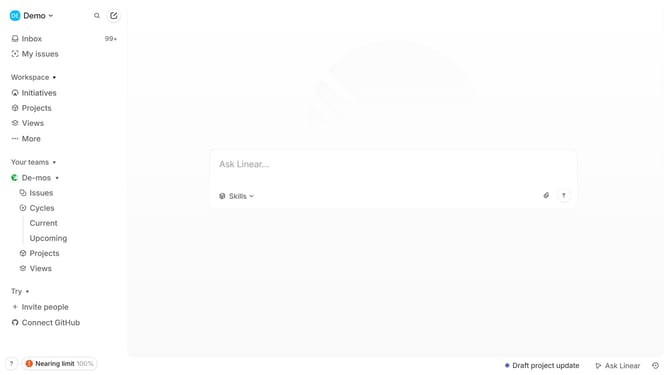
- First click on the "Demo" dropdown in the header
- Then click on "Settings" option in the sidebar menu
- Then select "Profile" item from the sidebar menu
- Then click on the user icon in the profile section
- Finally click on the "Save" button
Why should you upload an avatar on Linear
Linear is a streamlined tool designed to enhance team collaboration and productivity.
Uploading an avatar on Linear allows you to personalize your profile, making it instantly recognizable to team members. This feature not only adds a human touch to digital interactions but also helps distinguish team roles at a glance.
A clear avatar promotes effective communication by enabling quick identification, fostering a more connected and engaging virtual workspace. Embrace personalization with Linear and see the difference a simple avatar can make.
Last update