How to change Linear app cycle start date in Linear
Here is how to change linear app cycle start date in linear
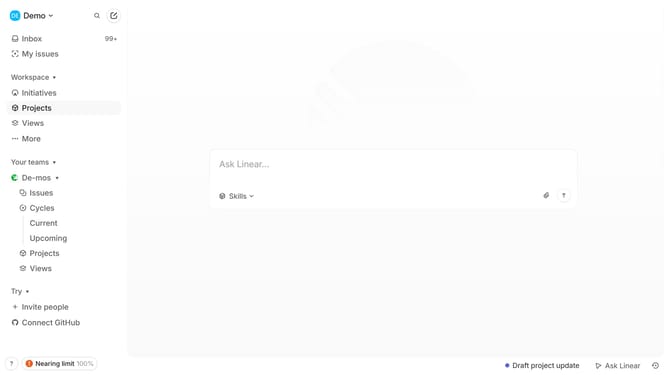
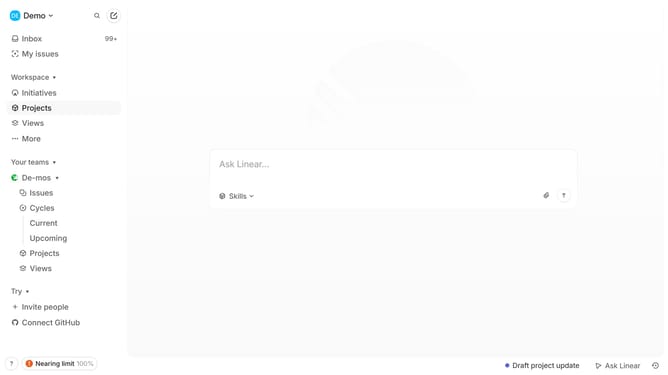
- First click on "Cycles" in the sidebar
- Then click on the Cycle item
- Next, click on the three dots icon at the top part of the page
- Then select "Change cycle dates" from the dropdown menu
- After that, click on "Move start date"
- Next, click on a new date in the calendar to select it as the new start date
- Then click on the "Apply" button
- Finally, click on the "Confirm" button to apply the changes to the cycle start date
Why should you change Linear app cycle start date in Linear
Linear is a streamlined tool designed to enhance team productivity and project management efficiency.
The ability to change the cycle start date in Linear offers flexibility and control over project timelines. By adjusting this date, teams can align their workflow with specific project milestones or adjust for changes in project scope.
This feature ensures that project tracking remains accurate and in sync with your current developments, helping teams stay organized and focused on their goals.
Last update