How to export projects on Linear
Here is how to export projects on linear
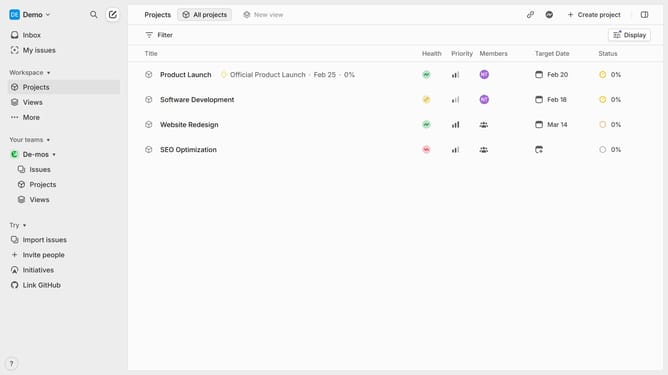
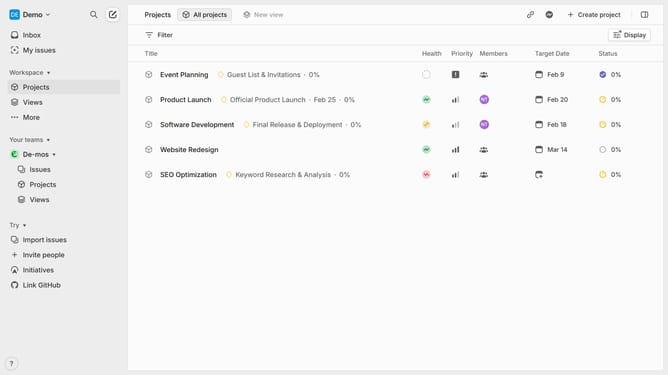
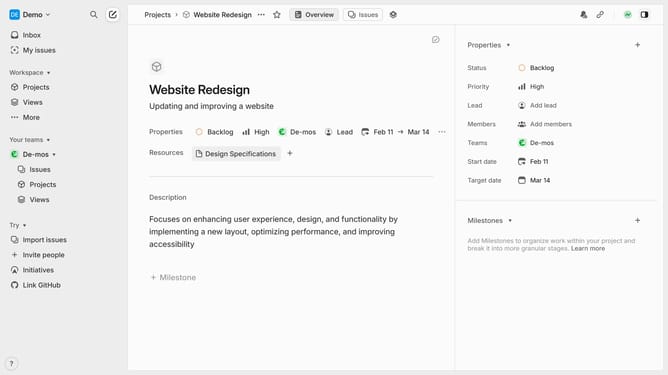
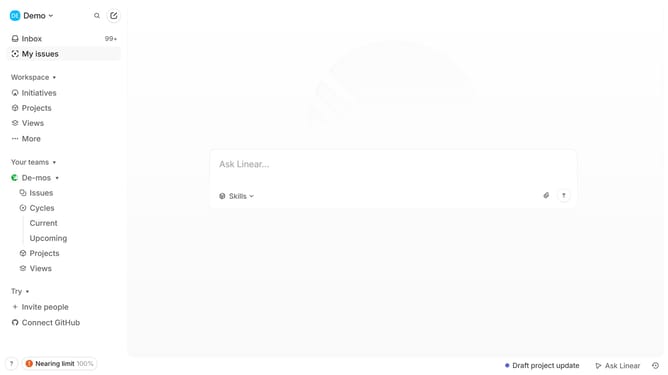
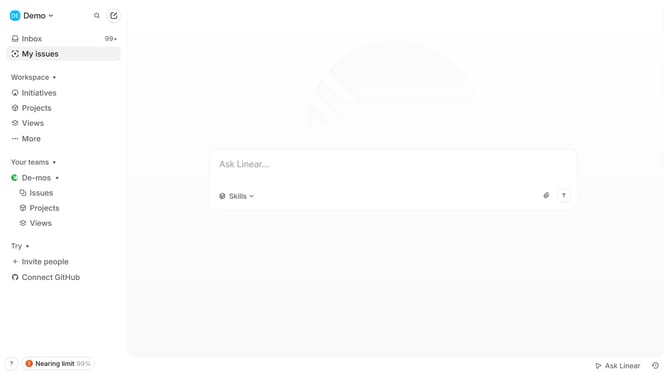
- First, navigate to your workspace and click "Projects" in the left sidebar
- Then select the project that you want to export
- Next, click the "Command" button in the bottom toolbar
- In the command palette, search for "Export"
- Finally, click "Export project as CSV" from the results to download the file
Why should you export projects on Linear
Linear is a cutting-edge tool designed to streamline project management and enhance productivity for teams.
One of Linear’s standout features is the ability to export projects effortlessly. This feature is invaluable, allowing teams to maintain project data in accessible formats and ensuring seamless collaboration.
Exporting projects on Linear provides flexibility, empowering teams to analyze and report on tasks with ease. This results in improved decision-making and enhances overall efficiency.
Last update