How to set target date on milestones on Linear
Here is how to set target date on milestones on linear
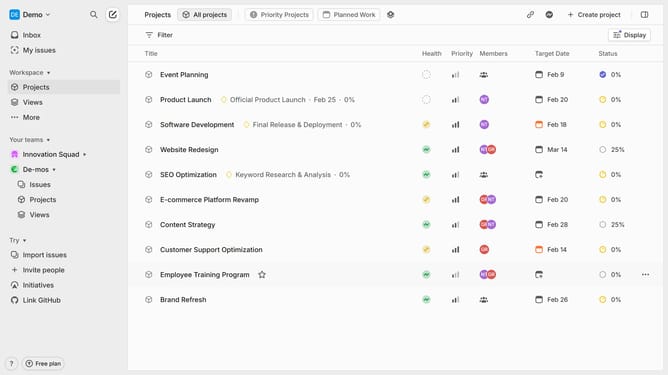
- First, click on "Projects" in the sidebar
- Next, click on the project that you want to manage
- Then, click on the options menu for the project milestone
- After that, select "Set target date" from the dropdown menu
- In the calendar, click on the date
- Finally, click on the "Set" button to confirm the date
Why should you set target date on milestones on Linear
Linear is a cutting-edge project management tool designed to enhance workflow efficiency.
Setting target dates on milestones within Linear can significantly boost team productivity and streamline project timelines. By clearly marking dates, teams can prioritize tasks effectively, ensuring everyone is aligned.
This feature allows for better scheduling of resources and maximizes time management, ultimately leading to successful project completion with minimized bottlenecks. Setting target dates on milestones fosters accountability and strengthens team collaboration.
Last update