How to delete issue templates on Linear
Here is how to delete issue templates on linear
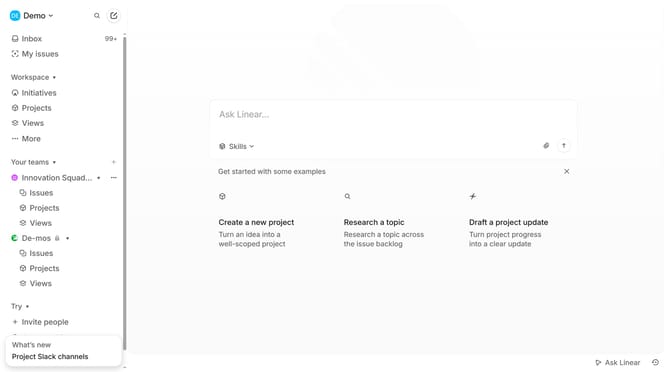
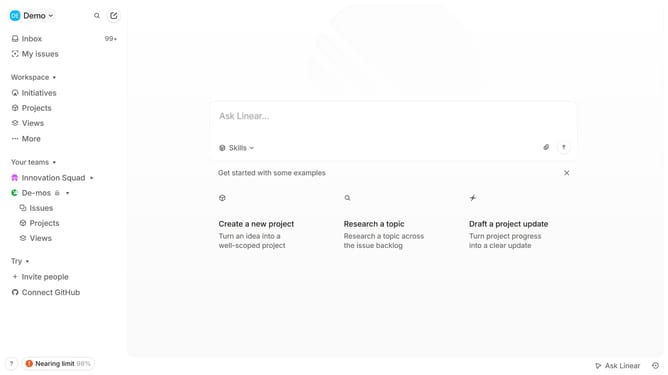
- First click on the "Demo" dropdown in the header
- Then click on "Settings" in the sidebar menu
- Next, click on "Templates" in the sidebar menu
- Then click on the three dots icon next to the issue template name
- Next, select "Delete" from the options that appear
- Finally, click on the "Delete" button to confirm
Why should you delete issue templates on Linear
Linear is a productivity tool designed to streamline project management and issue tracking.
One standout feature is the ability to delete issue templates with ease. This feature allows you to maintain a clean and clutter-free workspace by removing outdated or unnecessary templates.
Having the flexibility to manage issue templates ensures teams can dynamically adapt to changes, fostering a more efficient workflow.
Overall, simplicity in managing templates enhances focus on current tasks and boosts team productivity.
Last update