How to apply filters to a search on Linear
Here is how to apply filters to a search on linear
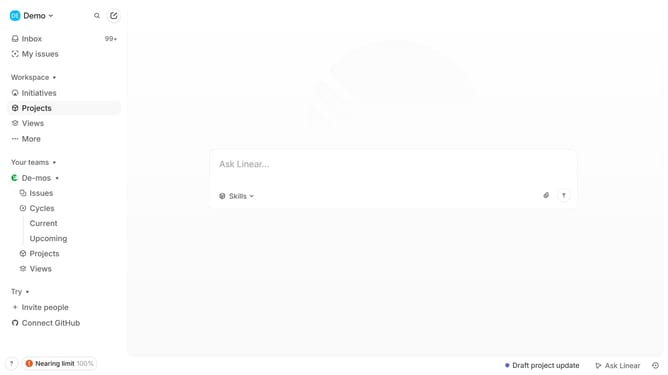
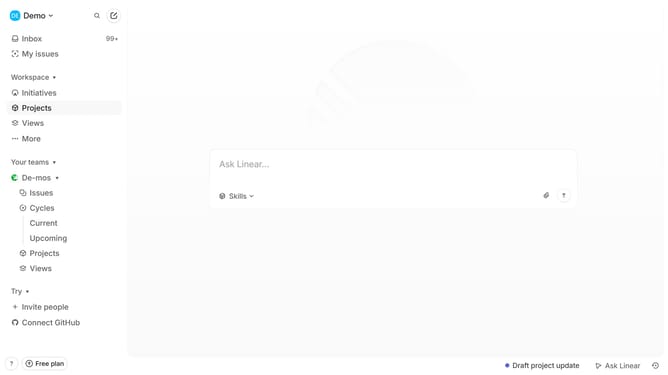
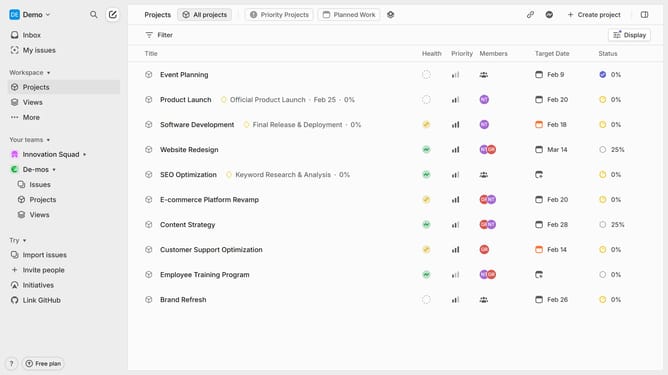
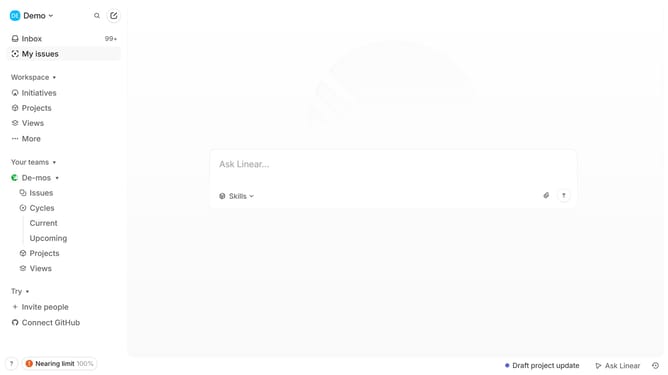
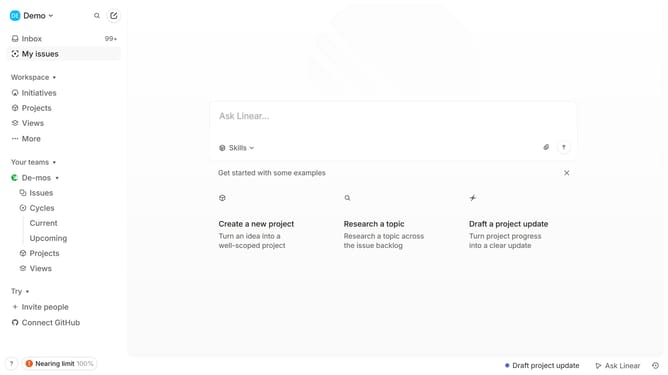
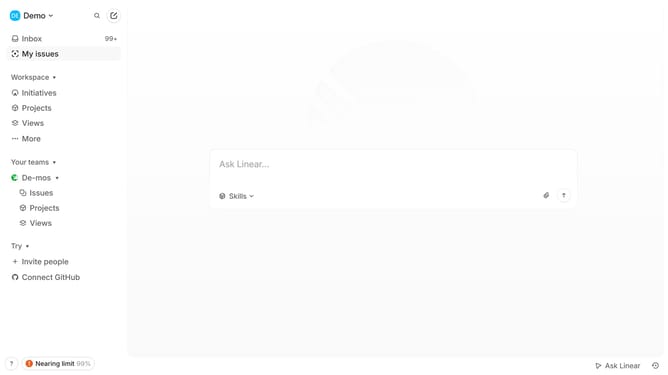
- First, locate the search icon in the top left corner and click on it
- Then, type a search term such as an issue ID, keywords, or project name
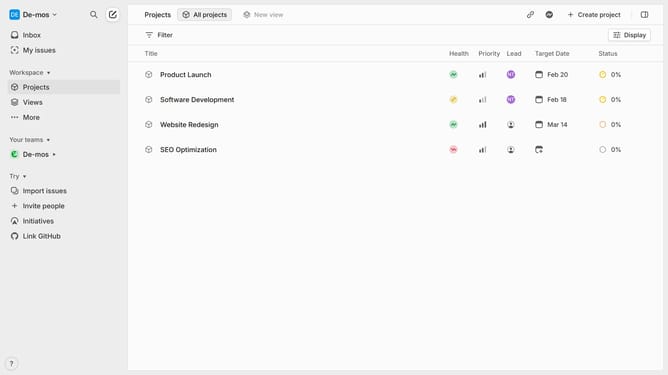
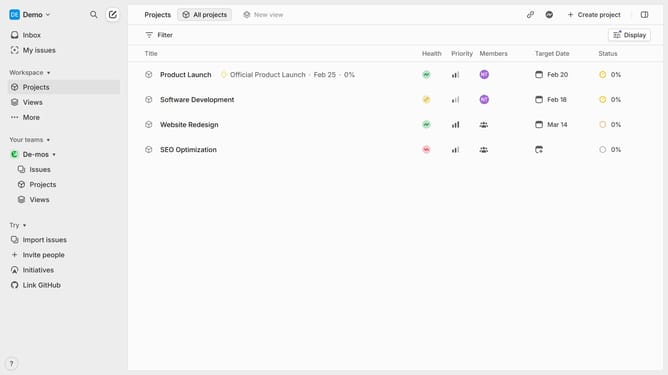
- Once the search results appear, use the filter options
- Next, select filters like assignee, status, priority, etc
- You can apply multiple filters to refine the results further
- Clear filters by clicking on "Clear" next to the filter options
- This way, you can quickly find specific issues or projects by filtering your search results in Linear
Why should you apply filters to a search on Linear
Linear is a streamlined software designed to manage team tasks and track project progress seamlessly.
Applying filters to a search on Linear empowers users with precision, tailoring results to exactly what is needed.
Using filters enhances efficiency, allowing team members to focus on specific criteria, whether it's priority, assignee, or due dates.
Ultimately, this feature optimizes workflow visibility, fostering a more organized and productive environment for any team.
Last update