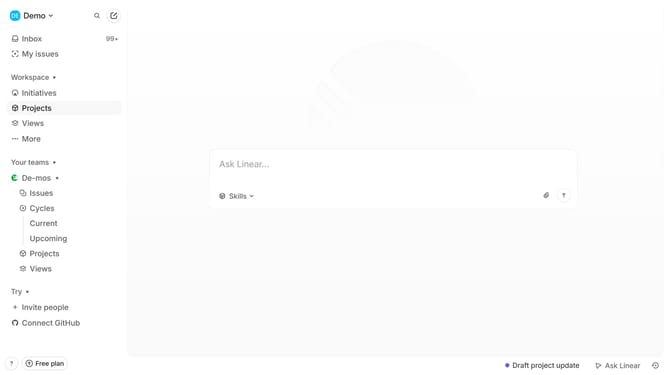
How to add a label on a sub-issue on Linear
Here is how to add a label on a sub-issue on linear
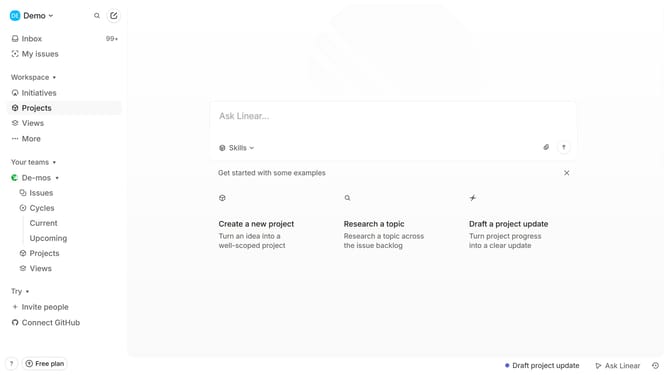
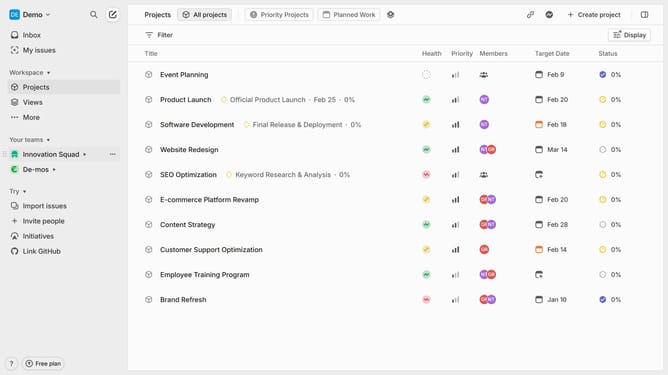
- First click on "My issues" in the left sidebar
- Then click on the issue that you want to manage
- Then right-click on the sub-issue to open more options
- Then click on the "Labels" option in the dropdown menu
- Finally select the label in the labels popup
Why should you add a label on a sub-issue on Linear
Linear is a streamlined project management tool designed to enhance productivity and collaboration.
By adding labels to sub-issues in Linear, you effortlessly streamline task organization and prioritization. This feature allows team members to categorize tasks effectively, leading to enhanced clarity and focus on workflows.
Adopting this practice not only minimizes confusion but also boosts team alignment, ensuring everyone is on the same page and working towards a common goal efficiently.
Last update