How to export a list of members on Linear
Here is how to export a list of members on linear
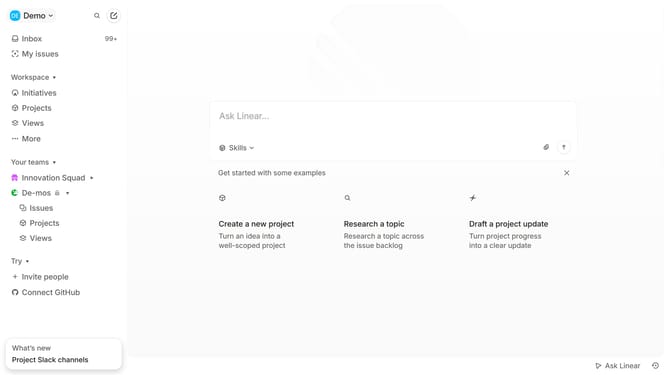
- First click on the dropdown button in the top left of your workspace
- Then click on "Settings" option from the dropdown menu
- Next, click on "Members" in the left sidebar menu under "Administration" section
- Finally click on the "Export CSV" in the members listing page and the file will be downloaded
Why should you export a list of members on Linear
Linear is an intuitive project management tool designed to streamline workflows for modern teams.
Exporting a list of members on Linear is a straightforward feature that significantly enhances team management. It allows administrators to keep an organized record of everyone involved in a project effortlessly.
This feature is beneficial for maintaining up-to-date contact lists, aiding in seamless communication, and understanding team composition, ultimately contributing to improved collaboration and productivity.
Last update