How to edit comments on an issue on Linear
Here is how to edit comments on an issue on linear
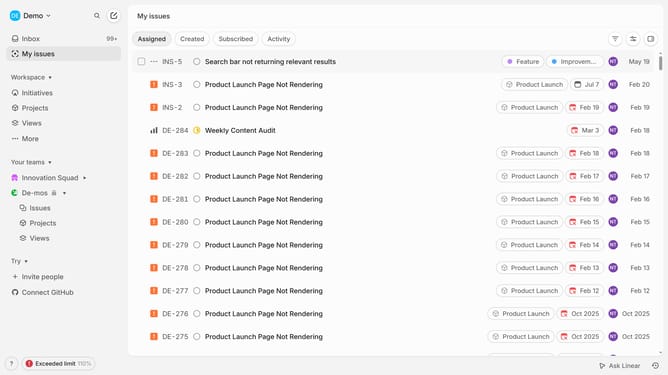
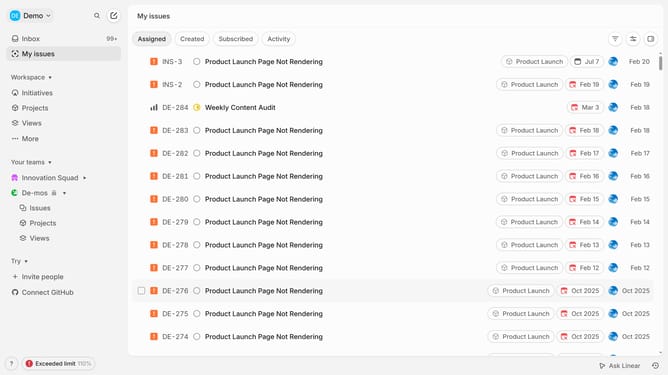
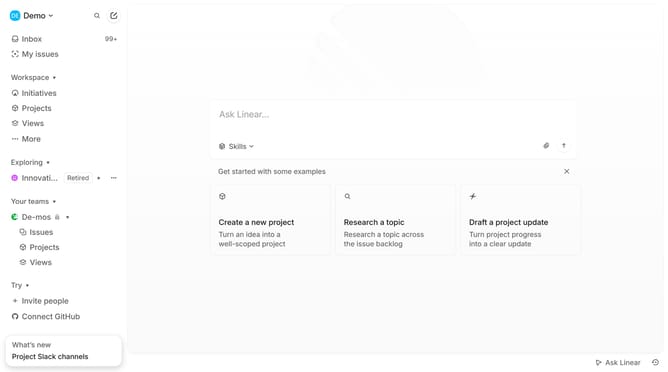
- First click on "My issues" in the left sidebar
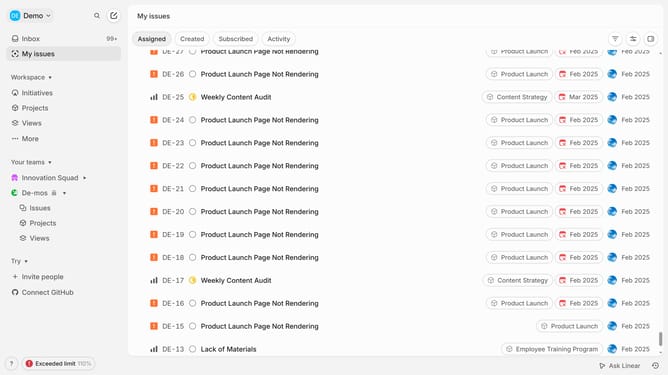
- Then click on the issue title that you want to manage
- Then, click on the three dots icon next to the comment that you want to edit
- Next, from the dropdown menu, select the "Edit" option
- Then click and edit your comment
- Finally, click on the "Save" button to confirm the changes
Why should you edit comments on an issue on Linear
Linear is a modern platform designed to streamline project management and issue tracking for enhanced team productivity.
The ability to edit comments on an issue is one of Linear's standout features. It allows users to refine their thoughts and ensure clarity in communication, which helps in maintaining a precise record of project developments.
This feature is vital as it fosters effective collaboration among team members, enabling them to update or correct information in real-time. Ultimately, it enhances team communication and ensures everyone is on the same page.
Last update