How to suspend members from a workspace on Linear
Here is how to suspend members from a workspace on linear
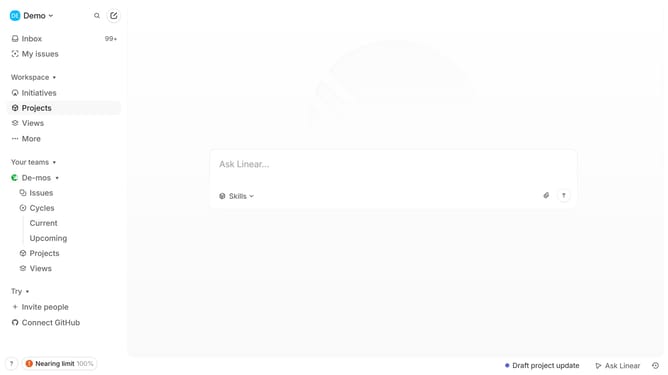
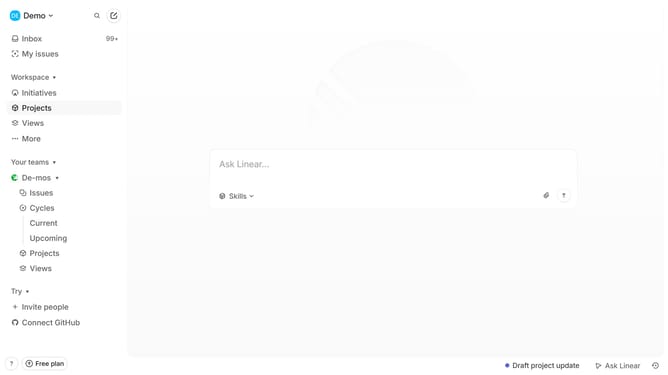
- First click on "Demo" button in the header
- Then click on "Invite and manage members" option
- Then click on the three dots icon for the person that you want to suspend
- Then click on "Suspend user..." option
- Finally click on "Confirm" button
Why should you suspend members from a workspace on Linear
Linear is a streamlined project management tool designed to enhance team productivity and collaboration.
Suspending members from a workspace on Linear is an efficient way to manage team dynamics and ensure streamlined workflows. This feature allows administrators to temporarily restrict access to users who may no longer need active involvement.
By suspending members tactfully, teams maintain focus and integrity, ensuring that only relevant participants engage in ongoing projects. This not only optimizes resource management but also maintains a clean and efficient workspace environment.
Last update