How to change linear app reminder notifications on Linear
Here is how to change linear app reminder notifications on linear
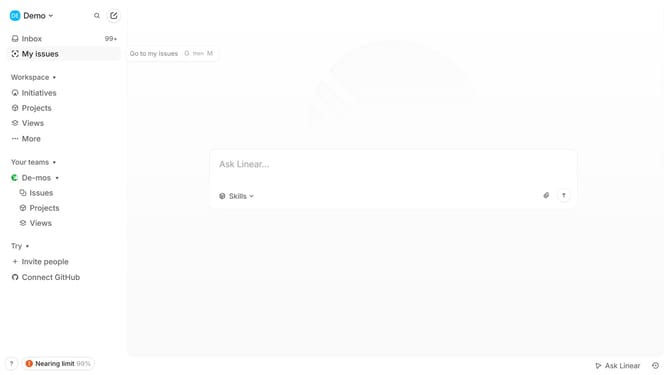
- First click on "My issues" in the sidebar
- Then click on the "Created" tab
- Next, click on the issue that you want to manage
- Then click on the "4 weeks from now" button
- After that, click on "Reschedule reminder"
- Finally, select a new schedule from the dropdown menu
Why should you change linear app reminder notifications on Linear
Linear is a streamlined project management tool focused on enhancing team productivity with clarity and efficiency.
Changing reminder notifications in the Linear app allows for personalized scheduling that aligns with individual workflows.
This feature ensures that users receive task reminders at the most convenient times, significantly minimizing interruptions.
By adjusting these settings, teams benefit from enhanced focus and seamless project progression.
Last update