How to enable mobile app notifications on Linear app subscriptions on Linear
Here is how to enable mobile app notifications on linear app subscriptions on linear
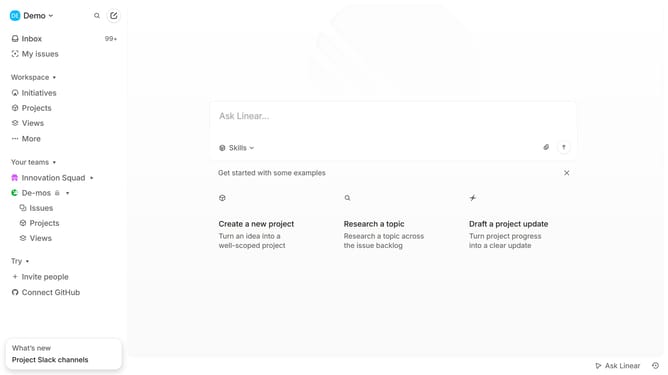
- First click on the "Demo" dropdown in the header
- Then click on "Settings" option in the dropdown menu
- Next select "Notifications" from the left sidebar menu
- Then click on "Mobile" option
- Finally click on the toggle switch ON for "Subscriptions" in the Notifications settings
Why should you enable mobile app notifications on Linear app subscriptions on Linear
Linear is a sleek platform designed to streamline your team’s project management and task tracking.
Enabling mobile app notifications for Linear app subscriptions lets you stay in the loop, ensuring you never miss crucial updates or project milestones.
These notifications offer the convenience of real-time updates directly to your device, helping you react promptly and stay proactive.
This is an essential tool to enhance productivity, reduce response times, and keep your team interconnected.
Last update