How to enable mobile app notifications on Linear app comments and replies on Linear
Here is how to enable mobile app notifications on linear app comments and replies on linear
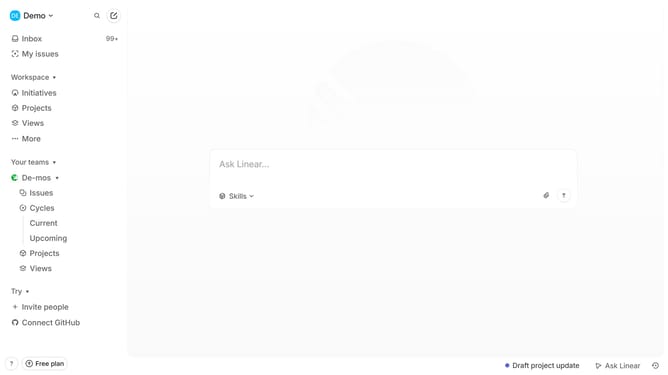
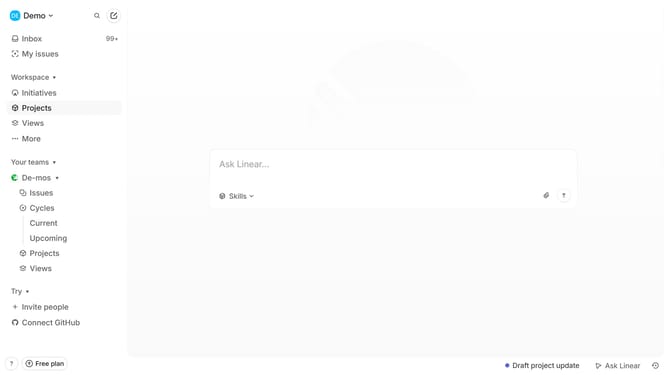
- First click on the "Demo" dropdown in the header
- Then click on the "Settings" option in the sidebar
- Then click on the "Notifications" option in the sidebar
- Then click on the "Mobile" notification channel in the main view
- Finally click on the toggle switch next to "Comments and replies" to enable notifications
Why should you enable mobile app notifications on Linear app comments and replies on Linear
Linear is an intuitive platform designed to streamline team workflows and enhance productivity.
Enabling mobile app notifications for comments and replies in Linear ensures you stay updated with real-time project developments, directly from your device.
This feature allows you to keep pace with team discussions, ensuring prompt engagement and collaboration.
By receiving instant alerts, you can swiftly address queries, provide feedback, and contribute to project progress, all while on the go.
Last update