How to set Linear app cooldown duration on Linear
Here is how to set linear app cooldown duration on linear
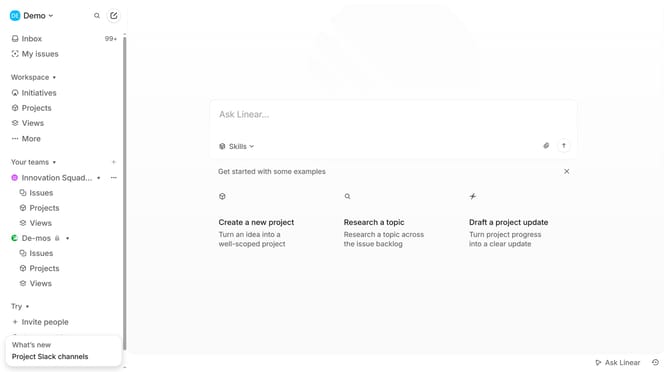
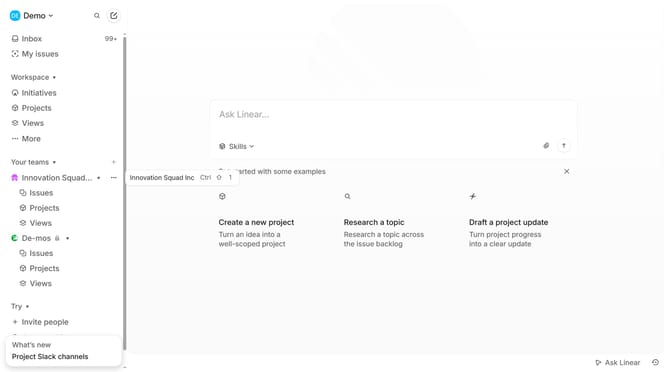
- First click on the three dots button across the team name that you want to manage
- Then click on "Team settings" from the dropdown menu
- Next, click on "Cycles" in the Workflow section
- Then click on the "Cooldown duration" dropdown menu
- Finally, select a duration from the dropdown options
Why should you set Linear app cooldown duration on Linear
Linear is an agile project management tool designed to streamline and boost team productivity.
One of its standout features is the ability to set cooldown durations. This feature allows teams to strategically manage their workload by creating periods of reduced activity after intense sprints, fostering recovery and planning time.
Utilizing cooldown durations helps prevent burnout, promotes sustained productivity, and aids in maintaining a balanced workflow. This small yet powerful setting is crucial for consistent team efficiency and effectiveness.
Last update