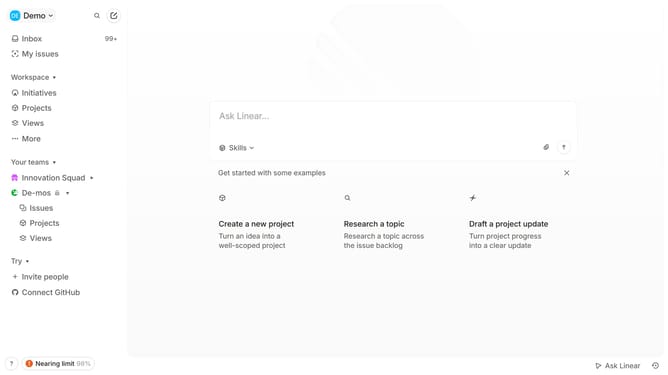
How to enable email notifications for mentions in Linear
Here is how to enable email notifications for mentions in linear
- First click on the "Demo" dropdown in the header
- Then click on "Settings" in the dropdown menu
- Next, click on "Notifications" in the sidebar
- After that, click on the "Email" option within the "Notification channels" section
- Finally, click on the toggle switch to enable "Mentions" for notifications
Why should you enable email notifications for mentions in Linear
Linear is a cutting-edge project management tool designed to streamline team workflows efficiently.
One essential feature in Linear is enabling email notifications for mentions. This feature ensures you never miss critical updates by instantly alerting you when someone mentions you.
Staying informed through email notifications enhances team communication and responsiveness. With this feature, your involvement in project discussions remains seamless, thereby boosting productivity and collaboration.
Last update