How to copy a URL from an issue on Linear
Here is how to copy a url from an issue on linear
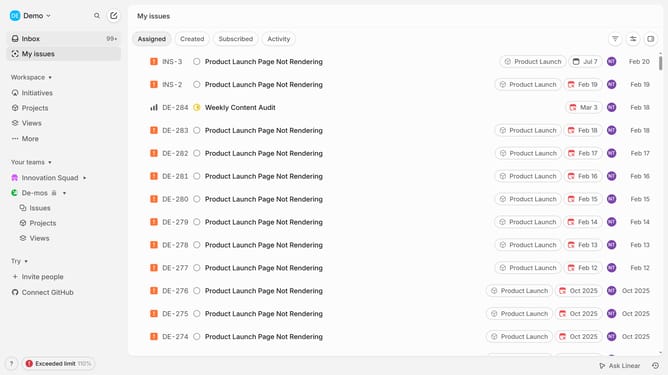
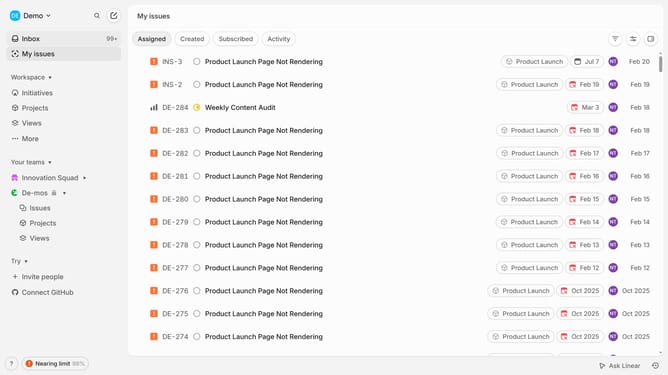
- First click on the "My issues" in the left sidebar
- Then, find the issue you want to copy the URL for and open it
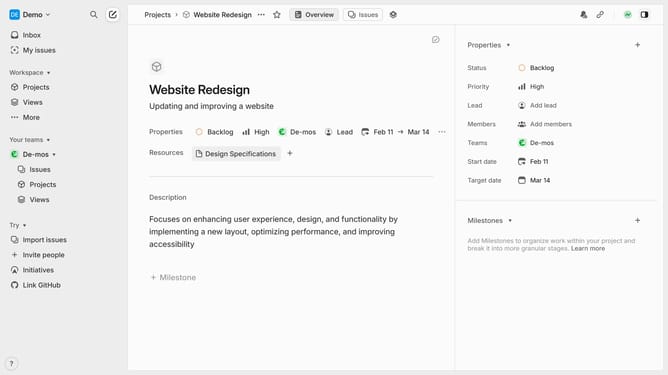
- Once on the issue page, click the "Chain" icon in the right sidebar to copy the issue URL
- The issue URL has been successfully copied, and you can now paste or share it wherever needed
Why should you copy a URL from an issue on Linear
Linear is a cutting-edge tool designed to optimize team workflow by efficiently tracking and managing issues.
Quickly copying a URL from an issue on Linear allows for seamless sharing and collaboration. This feature ensures that relevant stakeholders can easily access specific issues, accelerating decision-making and promoting clear communication.
Utilizing this feature enhances productivity by reducing the time spent on locating issues, enabling teams to focus more on problem-solving and less on navigating platforms.
Last update