How to create a recurring issue on Linear
Here is how to create a recurring issue on linear
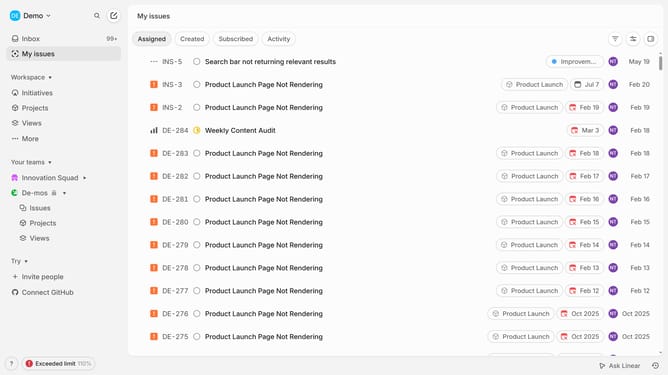
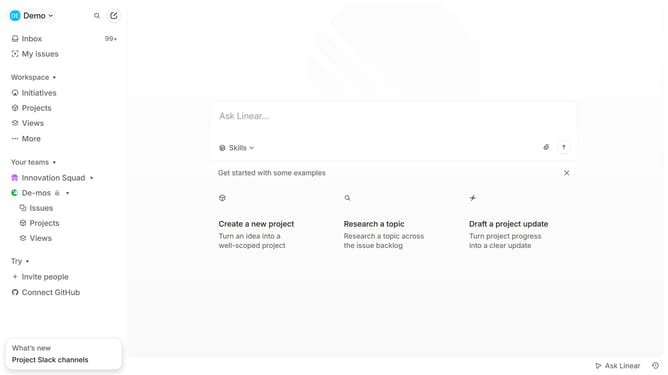
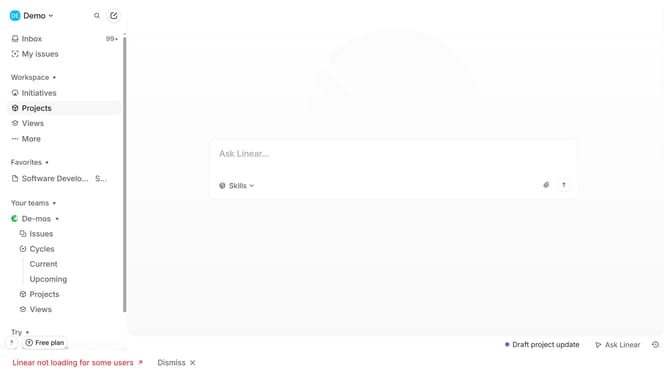
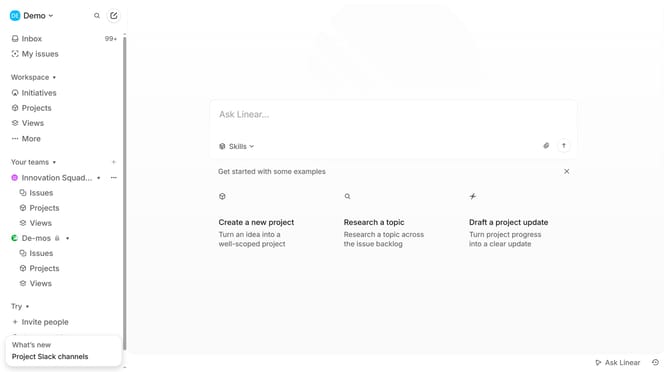
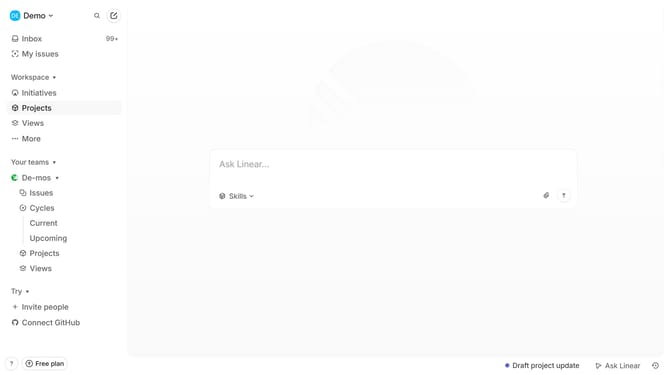
- First, navigate to your workspace and click "Projects" in the left sidebar
- Then, click on the project where you want to create the recurring issue
- Click the "New Issue" button to create a new issue
- Fill out the title and add description as you normally would
- Next configure your issue such as adding priority
- After filling in the issue details, click on the "More" button (three dots)
- Then click on "Make recurring" option from the dropdown menu
- Now set the recurrence settings, including the start date, due date, and preferred recurrence options
- Once you’ve configured the recurrence settings, click "Create recurring issue"
- Your recurring issue has been created succesfully
- The issue will now automatically reappear according to the recurrence schedule you've set
Why should you create a recurring issue on Linear
Linear is a modern issue tracking tool that streamlines project management for software teams.
The feature to create a recurring issue on Linear is a significant advantage for teams dealing with regular tasks. This allows project managers to automate the creation of tasks that recur at specific intervals, ensuring nothing is ever overlooked.
By setting up recurring issues, teams can maintain consistent workflows without the manual effort of re-creating tasks. This feature keeps your project timelines organized, reducing the likelihood of missing critical repeats and enhancing productivity.
Last update