How to create linear app team label in Linear
Here is how to create linear app team label in linear
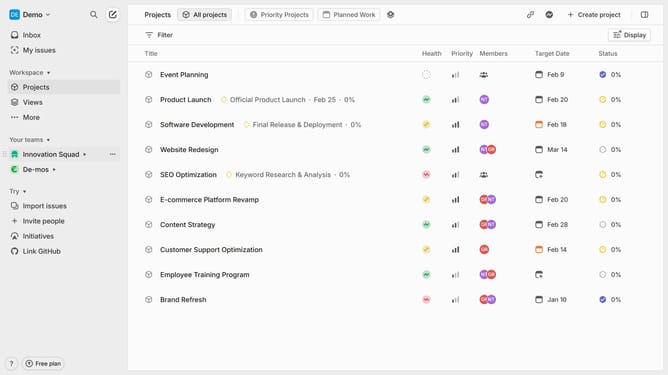
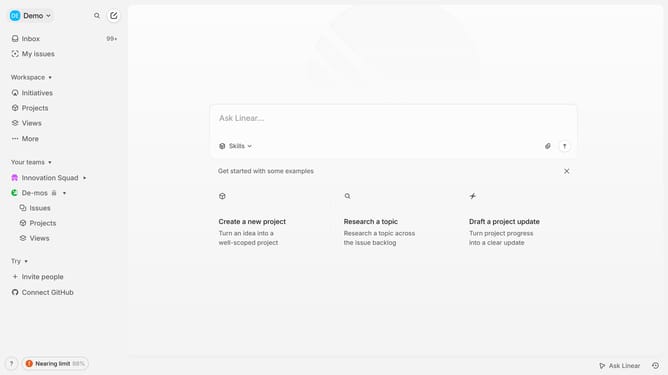
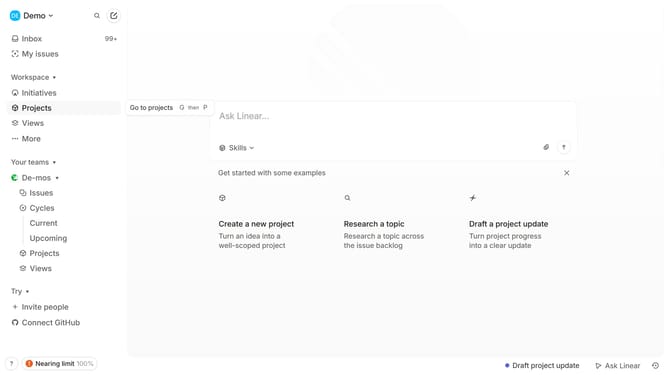
- First click on the three dots menu next to the team name in the left sidebar
- Then click on "Team settings" in the dropdown menu.
- Next, click on "Issue labels" in the "Issues, projects, and docs" section.
- After that, click on the "New label" button.
- Then click on the text input field labeled "Label name" and enter your preferred label
- Finally, click anywhere outside the input field to save changes
Why should you create linear app team label in Linear
Linear is a powerful tool designed to streamline team workflow management effortlessly.
Creating a team label in Linear enhances organization by allowing teams to categorize tasks and projects efficiently. These labels act as identifiers, making it simple to recognize issues linked to specific teams at a glance.
Utilizing team labels provides clarity and focus, helping to prioritize tasks and ensure teams are aligned. This feature ensures smoother collaboration and improves overall productivity by reducing friction in communication.
Last update