How to create milestones on Linear
Here is how to create milestones on linear
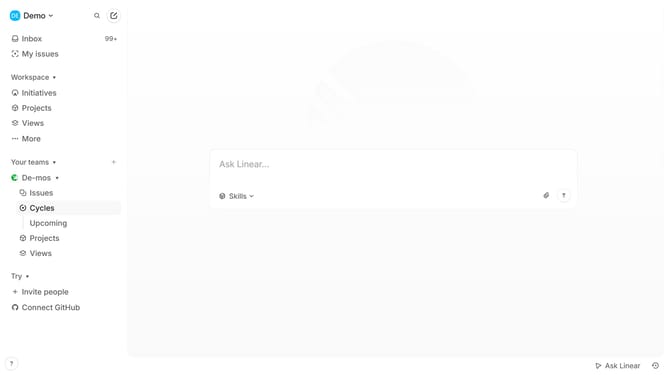
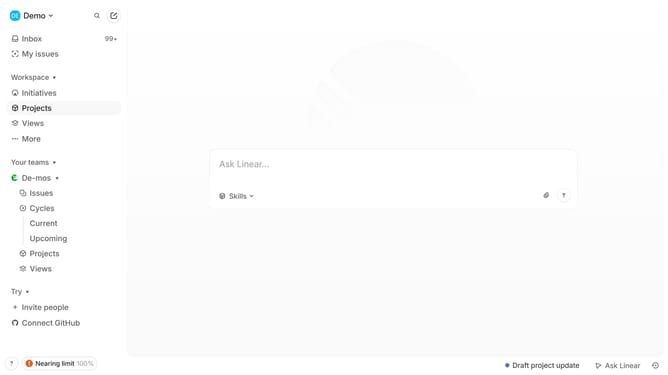
- First click on "Projects" item in the left sidebar
- Then click on a project where you want to add a milestone
- Next click on the "+" button in the Milestones section
- Then click on the "Milestone name" input field and enter you
- Finally click on the "check" icon to save the milestone
Why should you create milestones on Linear
Linear is a project management tool designed to streamline workflows and enhance team productivity.
Creating milestones in Linear allows teams to break down large projects into manageable segments, fostering a clear focus and facilitating prioritization of tasks.
By utilizing milestones, organizations can efficiently track progress and ensure accountability within teams, enabling the timely delivery of projects.
This feature not only aids in maintaining team alignment but also enhances planning and execution, ultimately improving overall project success rates.
Last update