How to enable mobile app notifications on Linear app status changes on Linear
Here is how to enable mobile app notifications on linear app status changes on linear
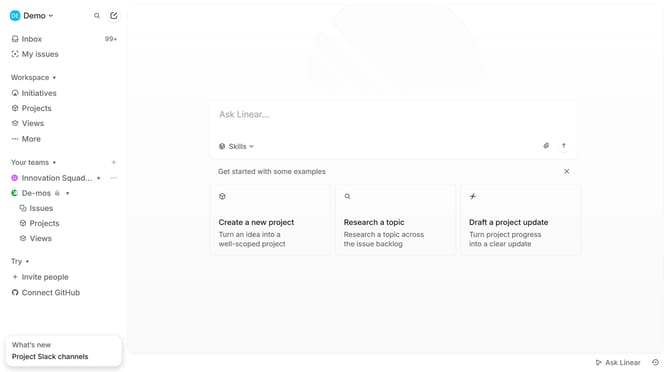
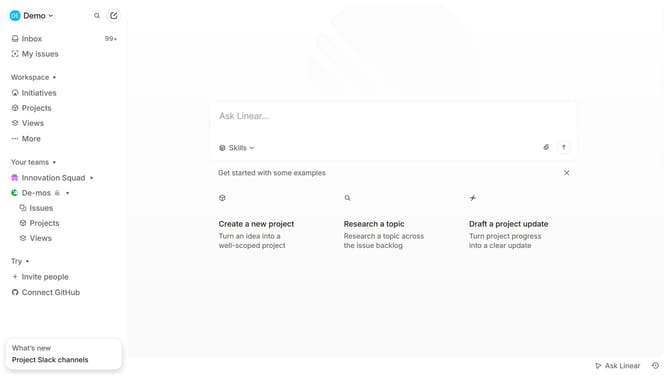
- First click on the "DE Demo v" dropdown menu in the header
- Then click on the "Settings" option in the sidebar
- Next, click on the "Notifications" option in the sidebar
- Then click on the "Mobile" section in the settings
- Finally, click on the toggle button next to "Status changes" in the main content area
Why should you enable mobile app notifications on Linear app status changes on Linear
Linear is a cutting-edge tool designed to streamline project management and enhance team productivity.
Enabling mobile app notifications for status changes in Linear dramatically boosts your efficiency by keeping you abreast of essential updates anywhere, anytime.
Real-time awareness empowers swift decision-making, ensuring that you're always one step ahead in managing your projects.
Stay connected and responsive to changes, fostering a more dynamic and agile workflow with Linear's mobile app notifications.
Last update